Arc en Ciel help
Shared files and feedback
Use private shared files and product feedback without mixing them up with safety reports.
Before you start
- A signed-in account.
Two different workflows
Shared files and feedback solve different problems. Shared files are for account-scoped private data transfer or collaboration support. Feedback is for product bugs, UX issues, feature requests, and general platform notes. Neither replaces the illegal-content report form.
Before attaching files, decide who needs the file and why. A reproduction screenshot for a UI bug should be small and redacted. A private workflow file should be uploaded only through the intended shared-file surface. A rights, abuse, or illegal-content concern should use the report path even when a screenshot or file would help explain it.
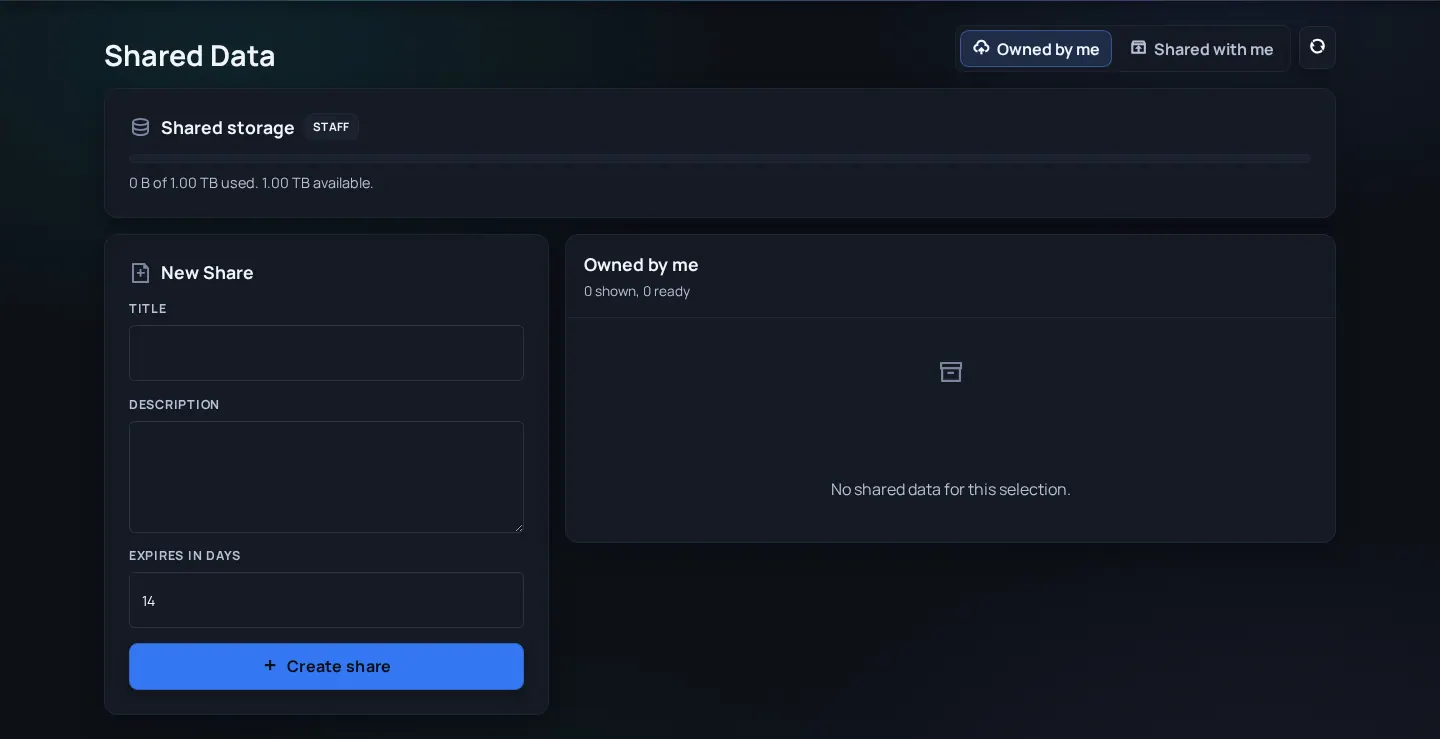
| Need | Use |
|---|---|
| Privately share a file with a supported workflow | Shared files |
| Report a UI bug or confusing flow | Feedback |
| Suggest a product improvement | Feedback |
| Report illegal, unsafe, or rights-infringing content | Report content or illegal-content form |
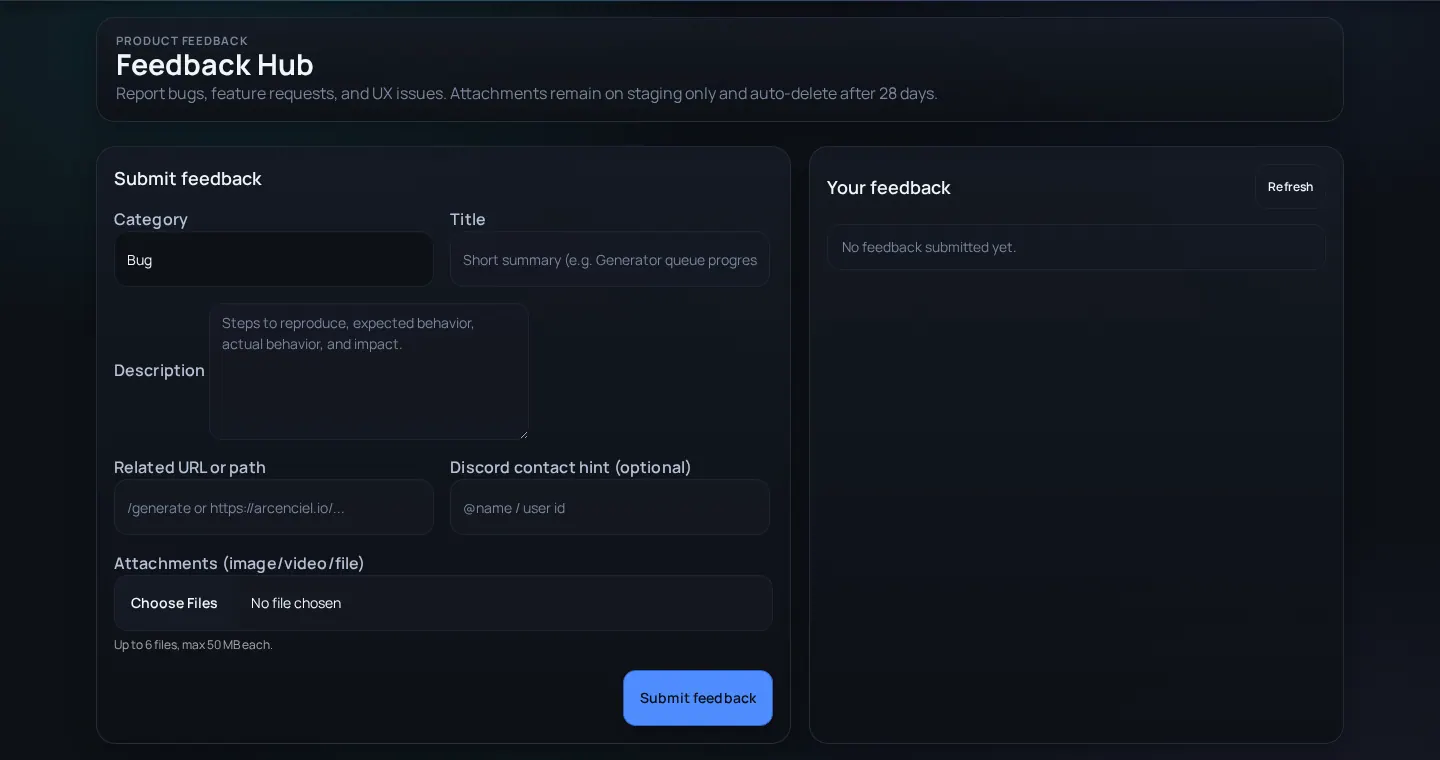
Submit useful feedback
- Use Shared files only for files the target workflow expects.
- Remove or redact private data before uploading unless the workflow explicitly requires it.
- Use Feedback for reproducible product issues and include browser, page URL, expected behavior, and actual behavior.
- Use Report content for safety or legal issues, even if the UI bug appears related.
Before submitting feedback
- Include the exact route - A URL is better than "the model page" or "settings".
- Write expected vs actual behavior - This separates a bug from a preference or feature request.
- Mention account role and browser - Admin, Creator, signed-in user, and visitor states can differ.
- Redact secrets before screenshots - Hide API keys, emails, local paths, private messages, and tokens.
Feedback quality problems
Team cannot reproduce the bug
Likely cause: Report lacks URL, steps, account state, or screenshot.
Fix: Add exact route, role, browser, and what you clicked before the issue.
Feedback contains safety complaint
Likely cause: Wrong workflow selected.
Fix: Submit a report so it enters the safety/legal path.