Arc en Ciel help
Find models, images, videos, and articles
Choose the right browse surface for the thing you are trying to find.
Choose the right surface
The fastest way to find something is to start from the content type that matches your goal. A model page answers different questions than an image grid. A collection page can be better than search when you want a curated set.
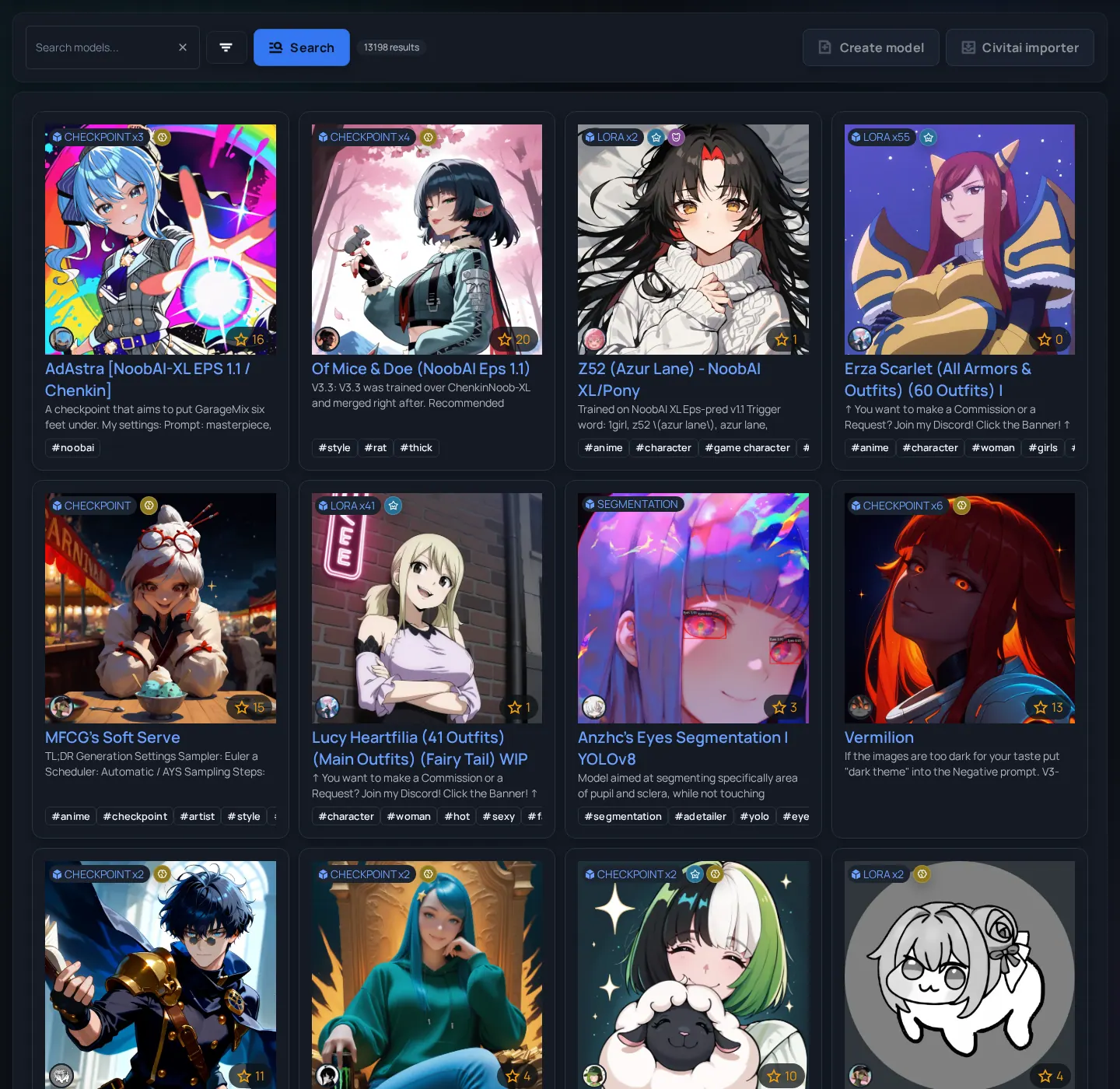
| Goal | Start at | Why |
|---|---|---|
| Download a checkpoint, LoRA, or embedding | Models | Versions, hashes, files, base model, previews, and download actions live there. |
| Inspect visual output quality | Images or Videos | Media pages show generated examples and visible prompt metadata where available. |
| Read a tutorial or announcement | Articles | Long-form explanation and release notes live there. |
| Browse a theme or event | Collections or Collabs | Curated pages reduce the need to know exact search terms. |
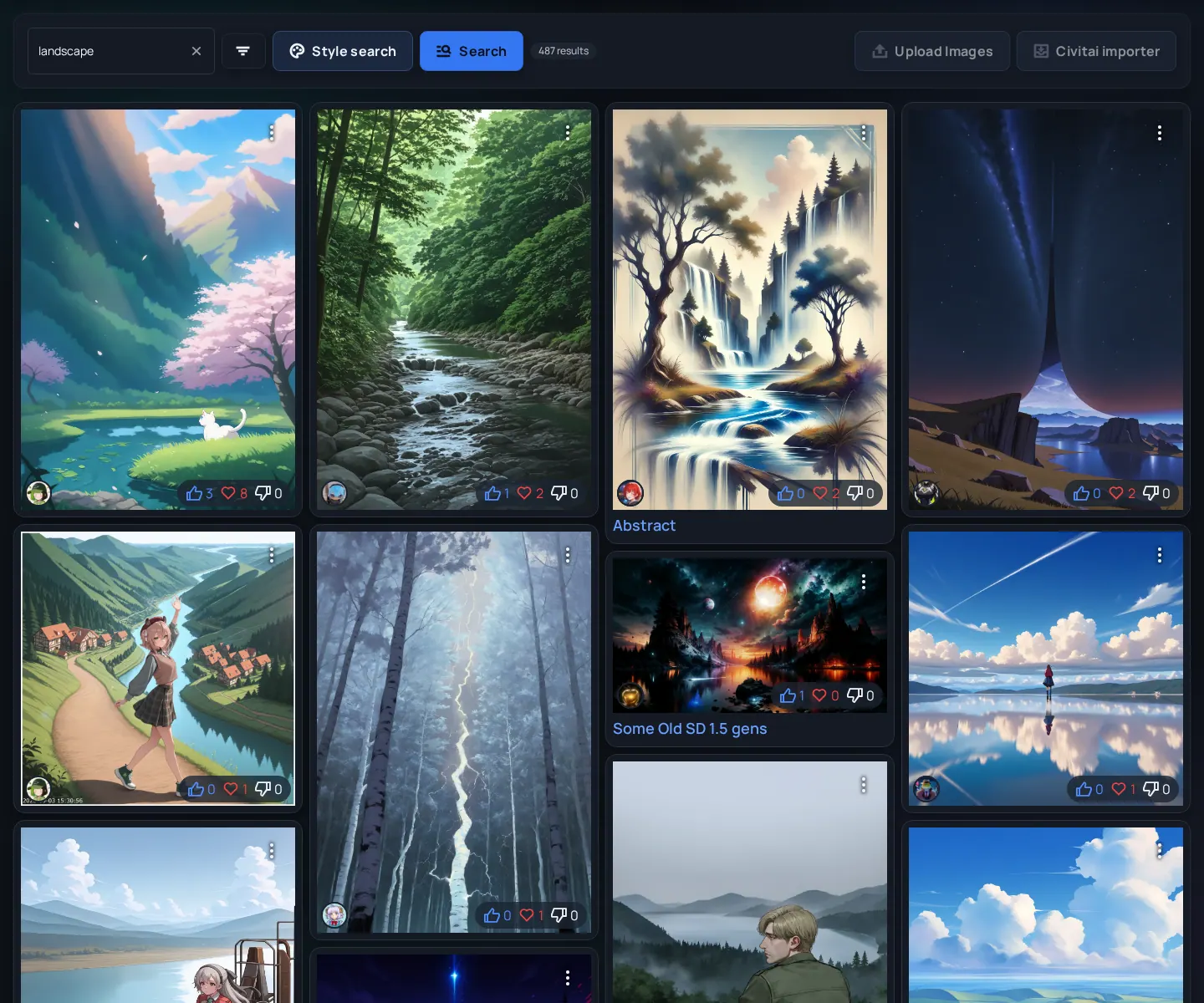
Before opening or downloading results
- Start broad with the content-type page.
- Search for the model, creator, tag, base model, or visual idea you recognize.
- Use sorting to choose between newest, popular, or curated results depending on your goal.
- Open a detail page before downloading so you can inspect versions, safety labels, descriptions, and related media.
- Follow or bookmark the creator or collection if you expect updates.
Signals worth checking before downloading
- Version age - A newer version may fix metadata, hashes, previews, or compatibility.
- Base model - Use the base model to avoid loading a LoRA or embedding into the wrong ecosystem.
- File source - Hosted and external downloads have different verification expectations.
- Preview quality - Multiple examples are better than one cherry-picked output.