Arc en Ciel help
Status, changelog, and roadmap
Check whether something is down, recently changed, documented, or planned.
Quick answer
- If something feels broken right now, check Status first.
- If behavior changed after a deploy, check Changelog next.
- If you are wondering whether a missing feature is planned, check Roadmap or API Docs before filing feedback.
Where to check
When something changes, breaks, or disappears, start with the public status and changelog pages. Some changes are planned, some are temporary, and some are only enabled for certain accounts while they roll out.
Status answers "is this healthy right now?" Changelog answers "what changed recently?" Roadmap answers "is this planned?" API Docs answer "what can an integration rely on?" Checking the right page first saves everyone a round trip.
| Page | Use for |
|---|---|
| Status | Live uptime, incidents, and service health. |
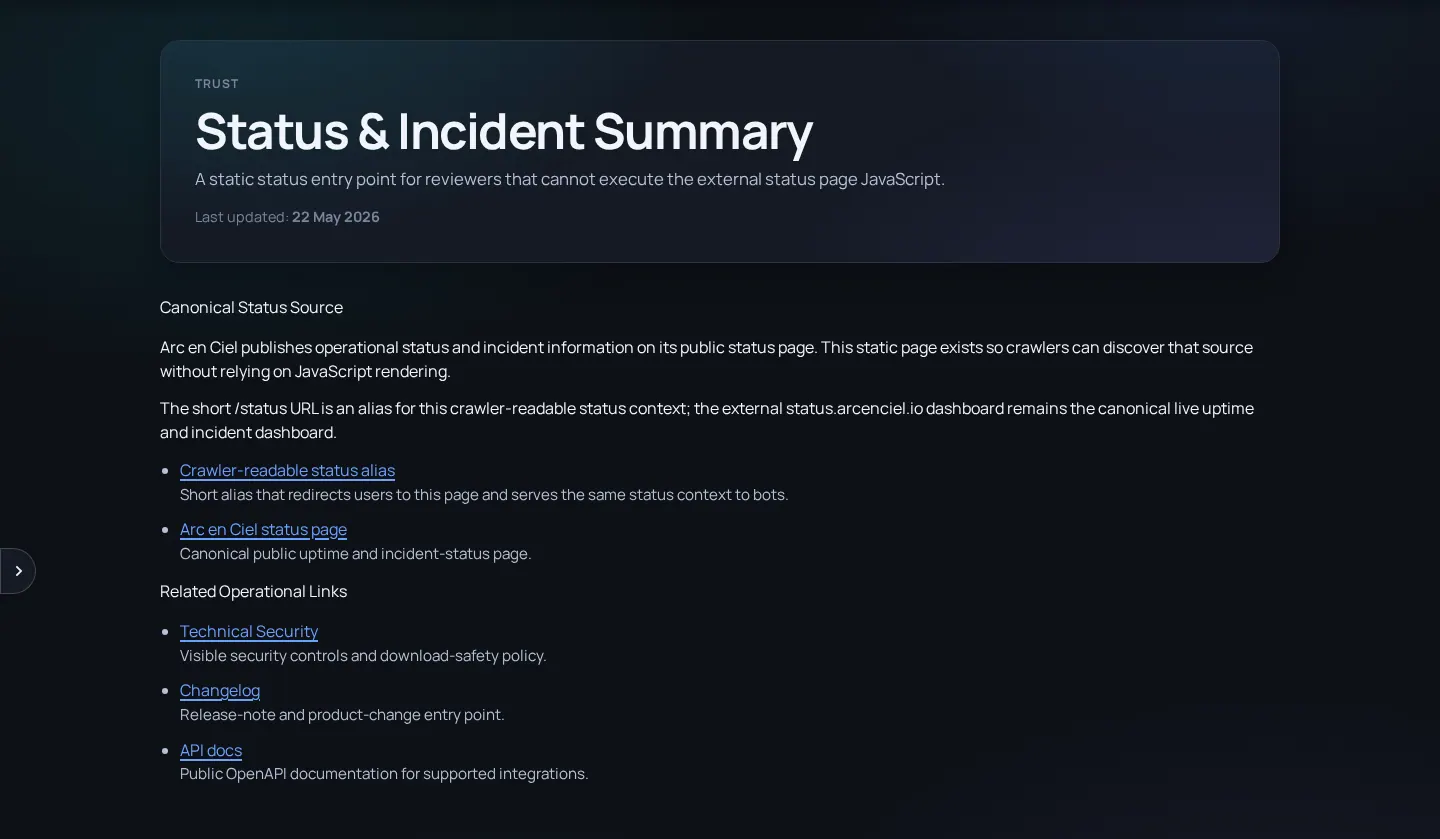
| Status Summary | A short Arc en Ciel-hosted status overview. |
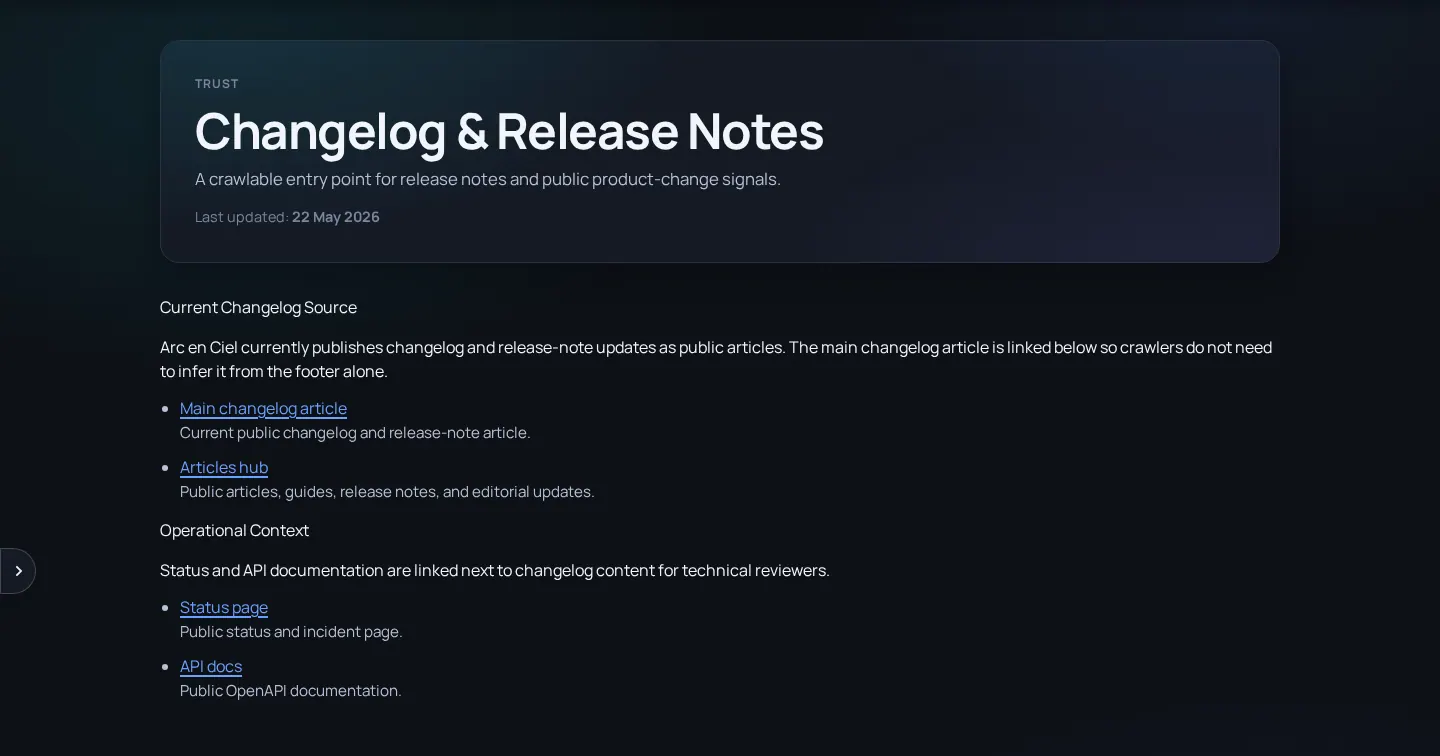
| Changelog | Release notes, feature changes, and public operational notes. |
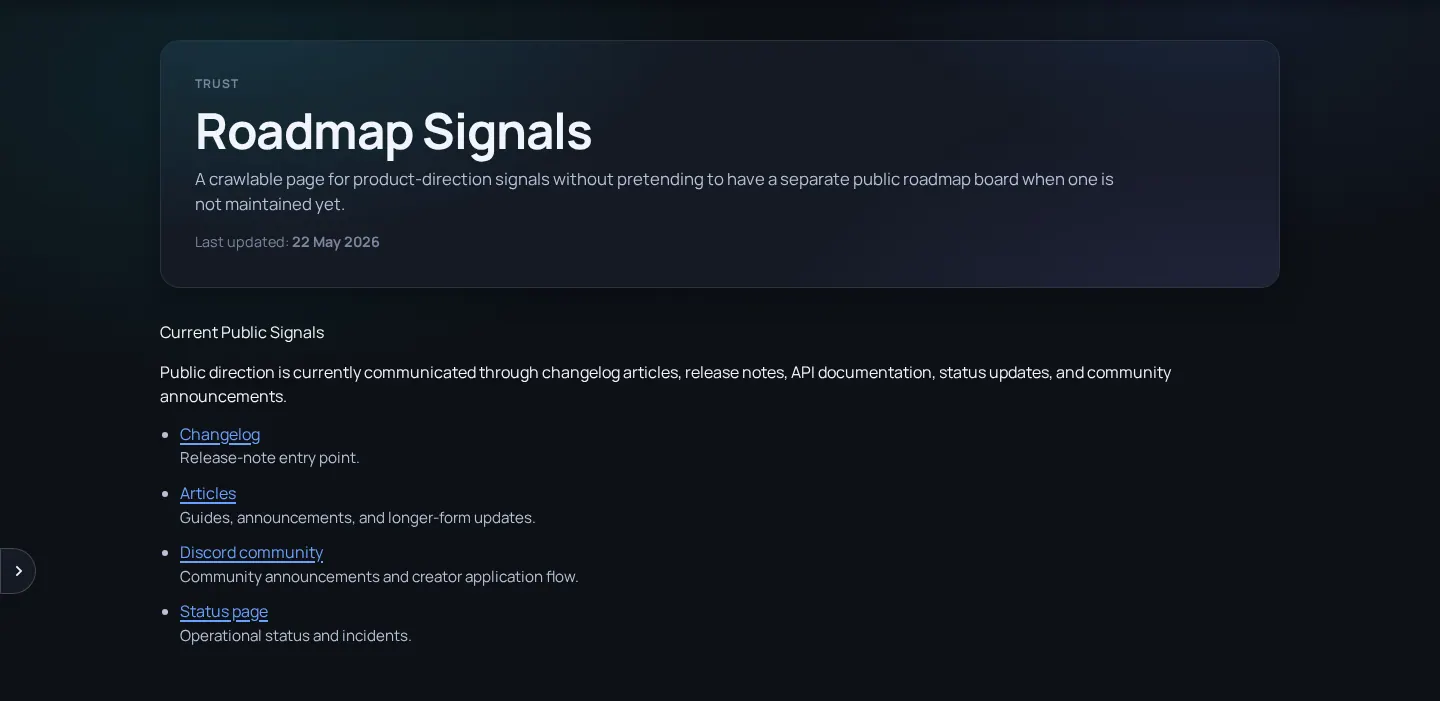
| Roadmap | Likely future areas. |
| API Docs | OpenAPI reference for supported public API routes. |
- Check Status if a request is slow, failing, or unavailable.
- Check Changelog if a feature changed behavior after a deploy.
- Check Roadmap when you want to know whether a missing workflow is planned rather than broken.
- Check API Docs before writing or updating an integration.
- If none of those explains the issue, use Feedback or Support with exact reproduction steps.
Report useful details
Useful incident report details
- Exact time and timezone - A concrete timestamp is much easier to compare with logs.
- Affected route or API endpoint - Include the page URL or endpoint path, not only the feature name.
- Visible error text or status code - A 401, 403, 404, 429, and 500 mean very different things.
- Whether retry changed anything - Mention if a refresh, logout/login, or later retry fixed the issue.
During outages or maintenance
Generator unavailable
Likely cause: Feature state, worker maintenance, or queue pressure.
Fix: Check Status/Changelog, then wait rather than submitting repeated jobs.
Link integration failing
Likely cause: Backend deploy, key issue, or local config.
Fix: Check Status first, then troubleshoot key and local settings.
Public page changed
Likely cause: Deploy or intentional UI/content update.
Fix: Check Changelog and report regressions through Feedback.