Arc en Ciel help
Download history, file formats, and model safety
Understand download history, safetensors, hashes, hosted/external sources, and scan labels.
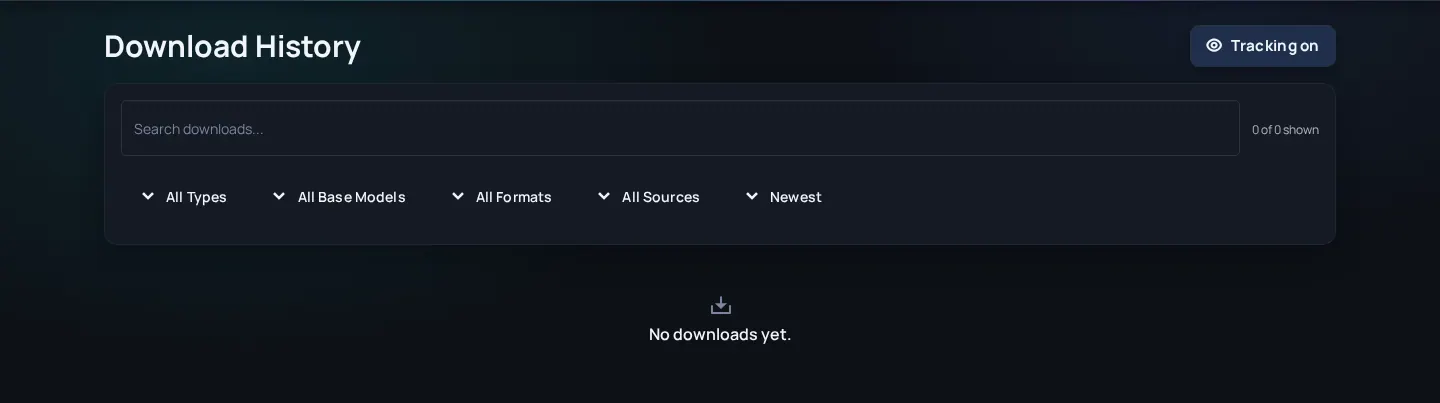
What download history is for
Download history helps you find resources you previously saved and gives context when you need to update, verify, or troubleshoot a local setup. It does not mean every file is hosted by Arc en Ciel, and it does not replace your local security practices.
Safety fields you may see
- safetensors
- A model-weight format designed to avoid pickle execution risk associated with older formats.
- ONNX
- A graph format used for compatible segmentation models. Arc en Ciel accepts only self-contained, standard-operator graphs that pass structural and malware validation.
- SHA-256
- A strong hash used to verify that a file matches known bytes.
- WebUI hash
- A compatibility hash used by common Stable Diffusion tooling.
- Hosted file
- A file served by Arc en Ciel infrastructure and eligible for local scan/hash metadata.
- External download
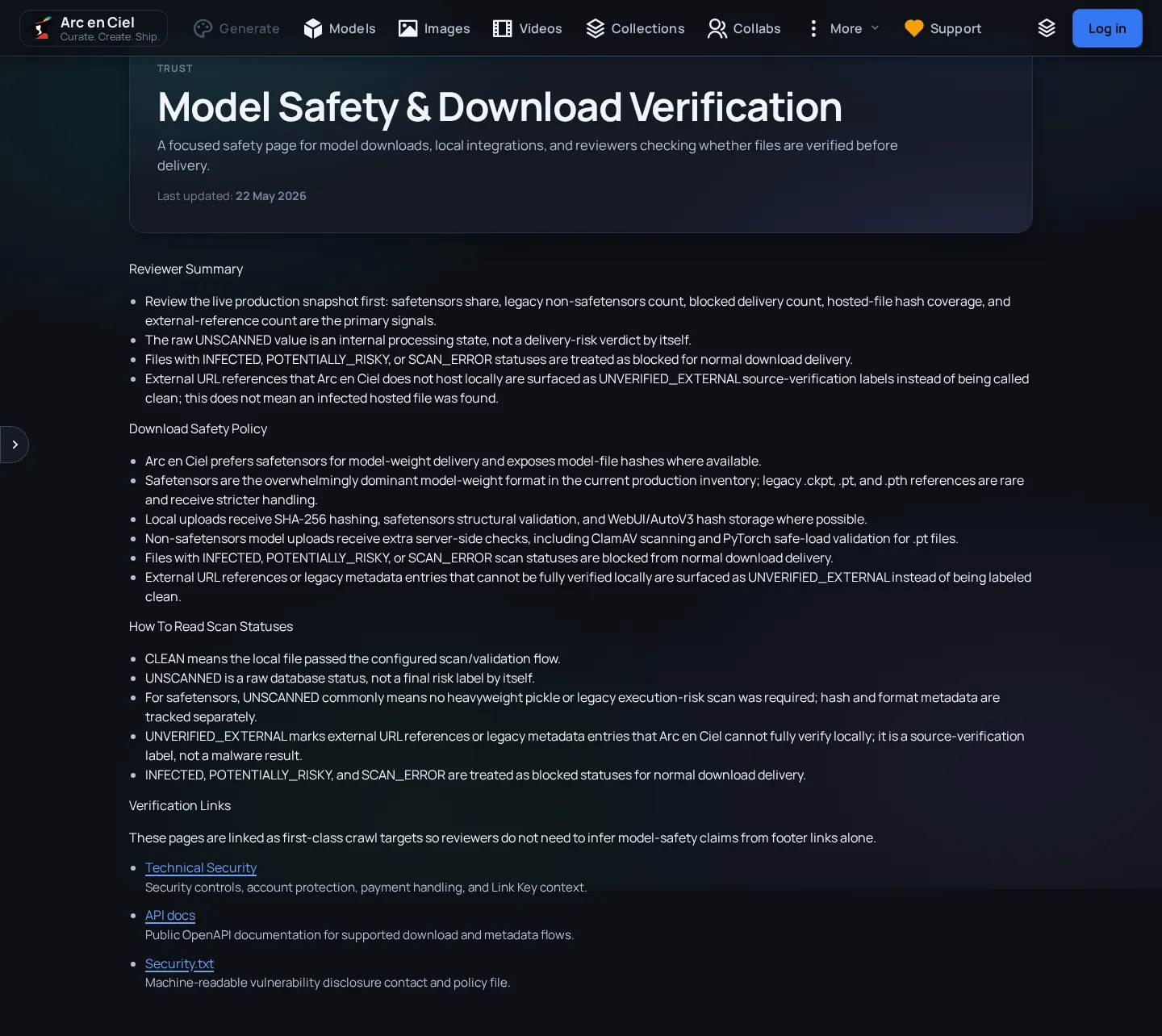
- An external-only URL is disclosed but blocked until Arc en Ciel stores and verifies a local copy.
| Signal | Good sign | Caution |
|---|---|---|
| File format | .safetensors for generative weights or validated ONNX for compatible segmentation models. | Legacy .ckpt/.pt/.pth files need extra caution. |
| Hash | SHA-256 present and matches local file. | Missing or mismatched hash. |
| Scan status | CLEAN local verification evidence. | Every non-CLEAN state is blocked, including pending, unscanned, risky, scan error, or unverified external. |
| Source | Local delivery with external provenance disclosed separately. | External-only source awaiting local verification. |
Safe download habits
Safe download habits
- Prefer safetensors when possible - Especially for model weights from unknown or older sources.
- Verify hashes for important files - Hash verification catches corrupt or substituted downloads.
- Keep external-source caution - External URLs can change without Arc en Ciel controlling the bytes.
- Do not run unknown scripts from model archives - Model files and helper scripts have different risk profiles.