Arc en Ciel help
What Arc en Ciel is for
Explore Arc en Ciel’s international platform for AI creation, collaboration and publishing, with the Generator, Link, Gacha and developer tools.
What you can do here
Arc en Ciel is an international platform for AI creation, collaboration and publishing. Discover models, generate and share media, join themed creator releases, and connect your local tools. You can also explore Gacha en Ciel and build integrations with the Developer Platform.
You can browse public pages without an account. Sign in to save preferences, follow creators, comment, keep download history, and use authenticated tools. Generator, Gacha and publishing access depend on your account and current feature availability.
Main areas
- Generator
- Create images with models and LoRAs, compare runs, revisit your history, and publish results when your account has access.
- Models
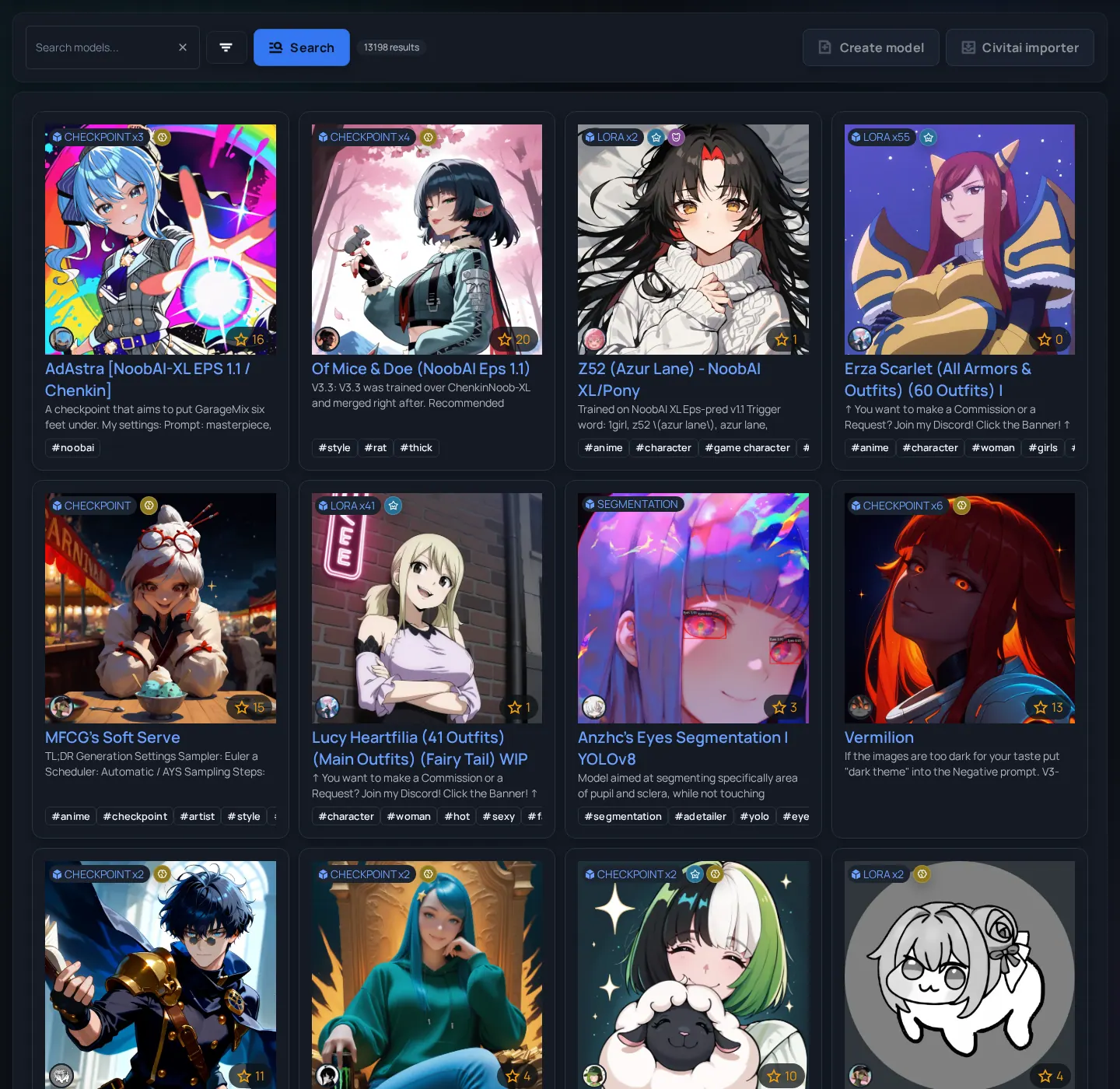
- Downloadable resources such as checkpoints, LoRAs, embeddings, versions, hashes, previews, and release metadata.
- Images and videos
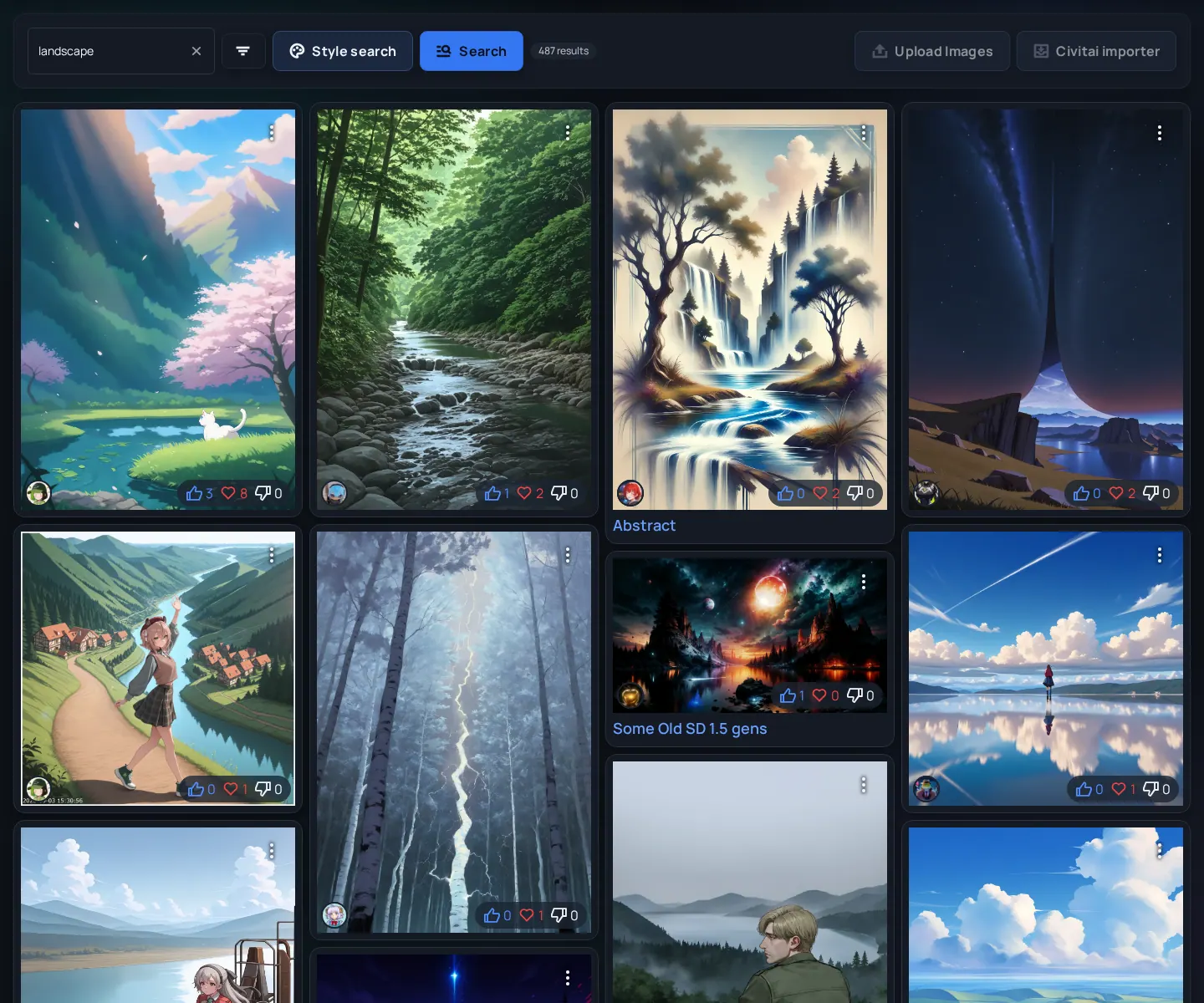
- Generated media, prompts where visible, ratings, reactions, comments, and example outputs linked back to models.
- Collections and collabs
- Curate resources, join themed collabs, and take part in coordinated creator releases.
- Articles
- Publish tutorials, release notes, and longer explanations with the article editor and collaboration tools.
- Arc en Ciel Link
- Connect supported local and Colab tools, manage model transfers and device inventory, and keep resource metadata with your downloads.
- Gacha en Ciel
- Collect cards, open cases, send cards on expeditions, and explore progression and community play.
- Developer Platform
- Connect your tools through the Developer API, official SDKs and MCP, with public guides and examples.
A good first session
- Start with Platform features to choose what you want to create, publish, connect, or play.
- Explore Models, Images and Videos for resources, prompt inspiration, and examples. Use the Generator to create on the platform or Link to continue in your own tools.
- Browse Collections, Collabs and Articles to find themed sets, creator releases, and guides.
- Explore the Gacha Encyclopedia for the card game, or the Developer Platform for API, SDK and MCP integrations.
- Create an account when you want to follow creators, comment, save download history, use authenticated tools, or apply to publish.
- Check Trust, Model Safety, DSA, Privacy, and Billing pages before you rely on the platform for publishing or recurring support.
Before you ask support
- Know the page URL - Most support, report, and feedback workflows become much easier when you include the exact URL.
- Know your account state - Visitor, signed-in user, Artist, Creator, Moderator, and Admin do not see the same controls.
- Check whether the feature is public, authenticated, or staff-only - Some pages are intentionally hidden until you have the right role.
Related links
- Platform features - Choose how you want to create, collaborate, publish, connect, or play.
- Generator - Create images and share your results.
- Arc en Ciel Link - Connect local and Colab tools.
- Gacha en Ciel - Explore the collectible card game.
- Developer Platform - Build with the API, official SDKs and MCP.
- Models - Browse downloadable model resources.
- Articles - Read creator guides and releases.
- Trust & Transparency - Review public trust and operator information.