Arc en Ciel help
Content preferences and visibility
Choose what appears in your feed, understand content ratings and adjust your browsing preferences.
Choose your browsing experience
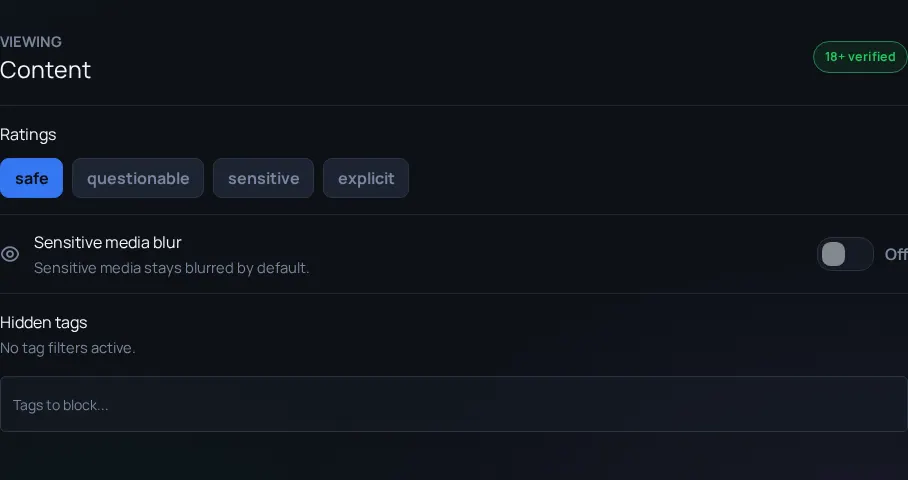
Content ratings help you choose what appears in your feed and help creators describe their work accurately. Browse, sorting and rating preferences work together to shape your results.
Public discovery and account access
Guests and accounts without adult access can browse Safe and Questionable content. Sensitive and Explicit content requires a signed-in account with adult access. Public search, shared previews and search engines show only publicly available content.
Some resources have additional access requirements, and the public video gallery can be turned off. Account access and ratings do not permit content prohibited by our Code of Conduct.
Apply and troubleshoot filters
- Open Settings when signed in and review your content-rating preferences.
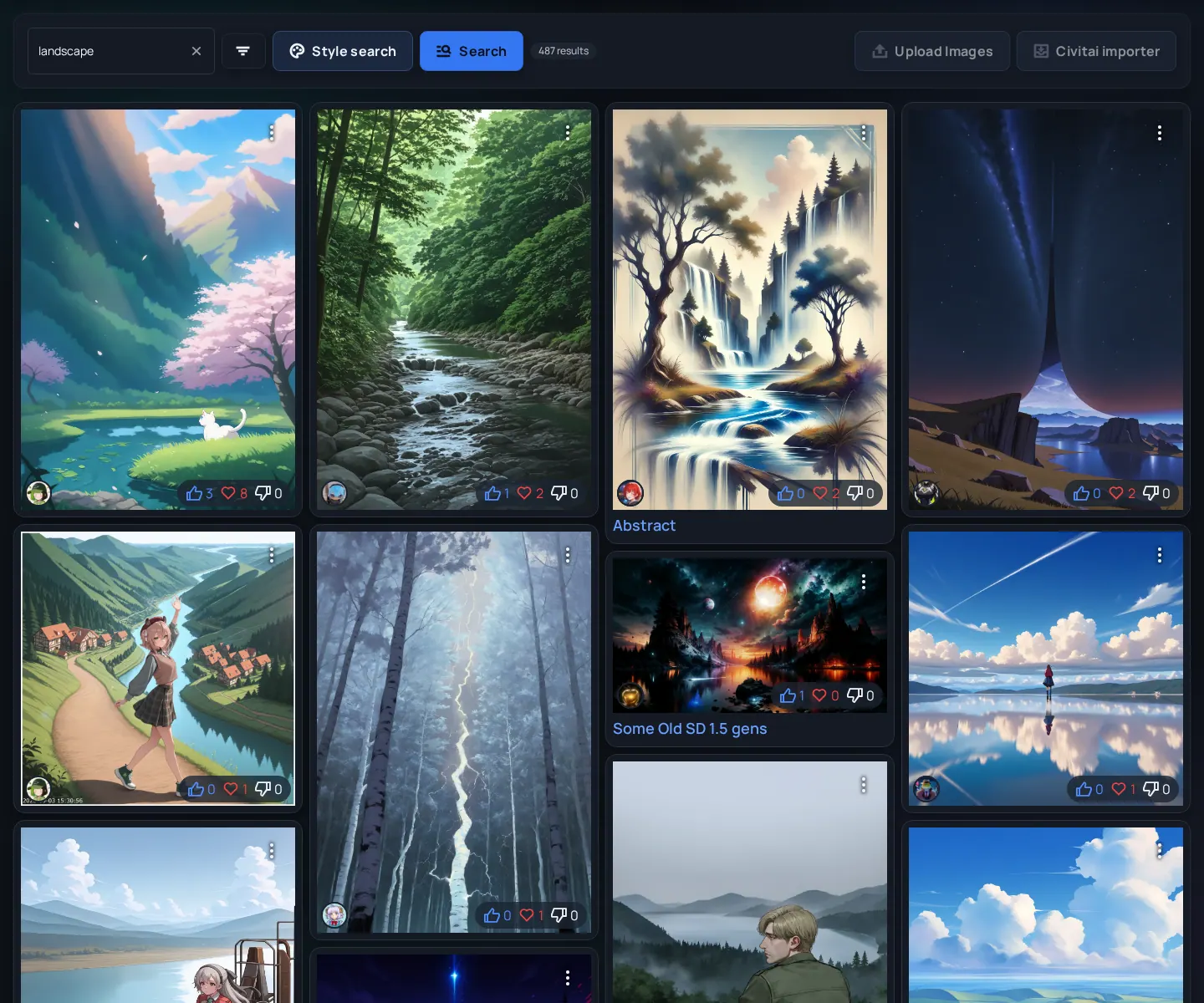
- If a page appears empty, check filters, sorting, search text and account access.
- When publishing, choose the rating that matches the visible content and use accurate tags.
- Use the report action if you think a rating needs review.
Related links
- Settings - Manage account preferences.
- Code of Conduct - Guidelines for respectful collaboration and responsible sharing.
- Model Safety - Separate guidance about model-file verification.