Arc en Ciel help
Reporting, trust, privacy, DSA, and model safety
Know when to report content, where trust pages live, and which public policy pages explain safety handling.
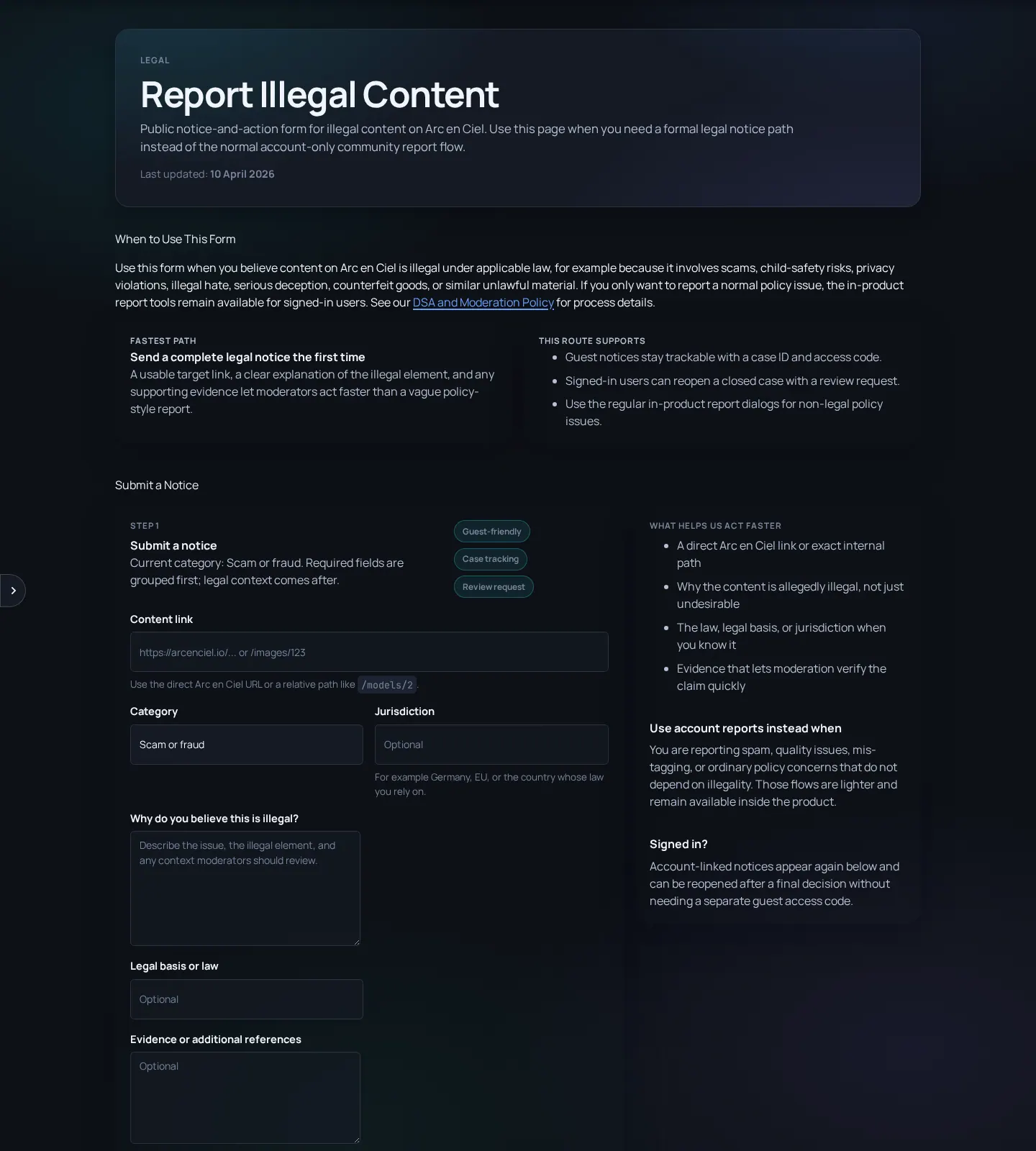
When to report
Use report actions or the public illegal-content form when content may violate law, platform rules, rights, rating rules, or safety expectations. Use product feedback for bugs and usability issues. Use support/billing routes for payments. Choosing the right path helps the team process the issue with the right context.
| Issue | Route |
|---|---|
| Illegal content, rights issue, serious safety issue, or DSA notice | Report illegal content or item report action |
| Misrated image/video/model preview | Item report action or safety report |
| Bug, broken UI, confusing workflow | Feedback |
| Payment, cancellation, refund, perk confusion | Support/Billing |
| Account compromise or exposed key | Security/support path and rotate credentials immediately |
A useful report includes
- Exact URL - Copy the page URL or item URL whenever possible.
- What rule or right is affected - Explain whether this is illegal content, privacy, copyright, rating, impersonation, or another concern.
- Evidence without overexposure - Include enough detail, but do not spread private data or illegal material unnecessarily.
- Your requested outcome - Removal, rating review, account review, correction, or other action.
Trust pages
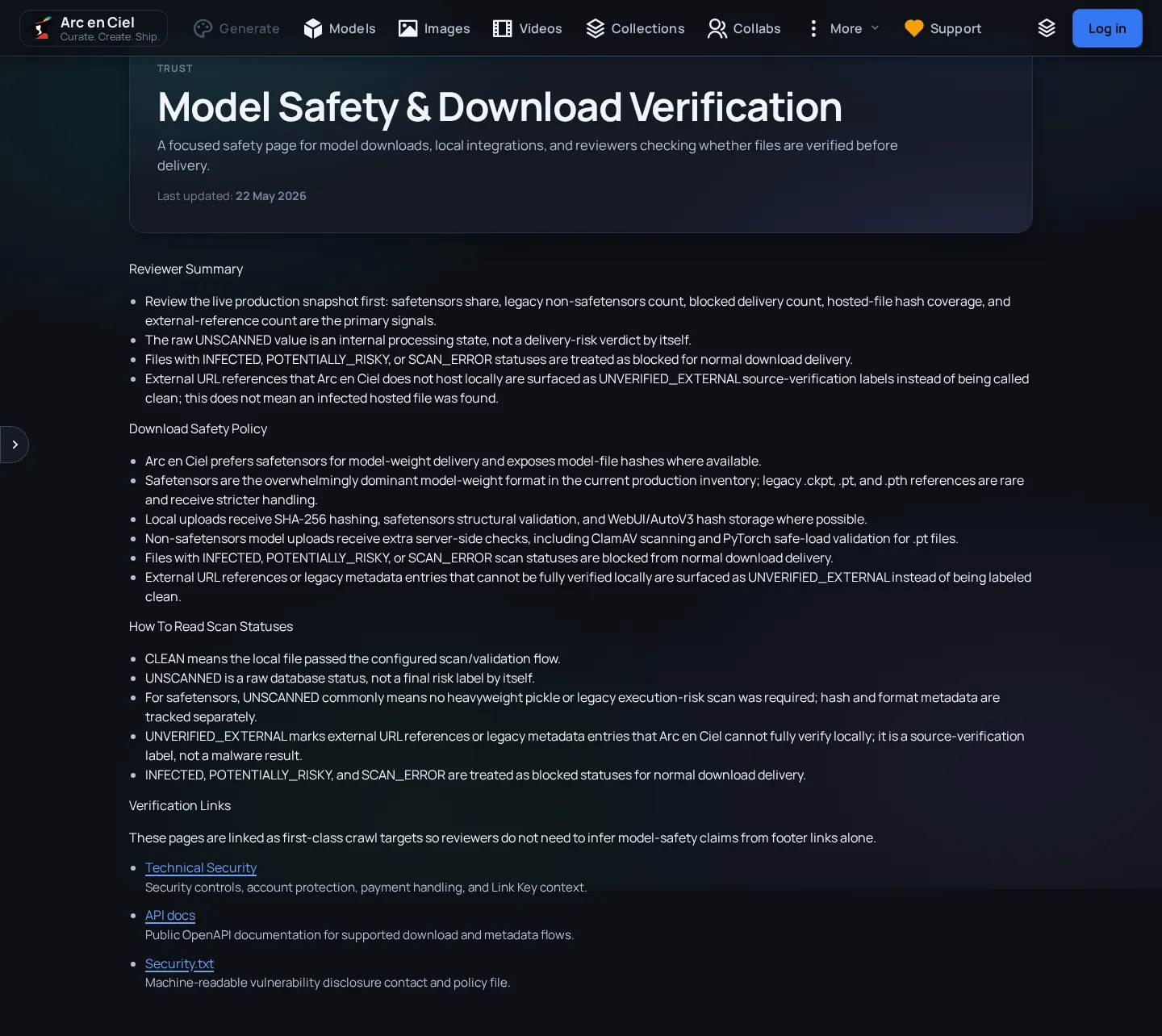
- Trust & Transparency explains operator identity and official channels.
- Technical Security explains visible account, transport, payment, and moderation controls.
- Model Safety explains file formats, hash coverage, external sources, and scan status interpretation.
- Privacy, GDPR, Terms, DSA, Billing, Withdrawal, and Imprint pages explain legal and policy commitments.