Arc en Ciel help
Messages, notifications, comments, reactions, and follows
Know when to comment, message, follow, use feedback, or file a report.
Before you start
- A signed-in account for private/community state.
Quick answer
- Use comments for public discussion about the item people are already viewing.
- Use messages for private coordination, feedback for product bugs, and reports for safety, legal, rights, or rating issues.
- Do not paste API keys, upload links, recovery links, local paths, or private screenshots into community text.
Community surfaces
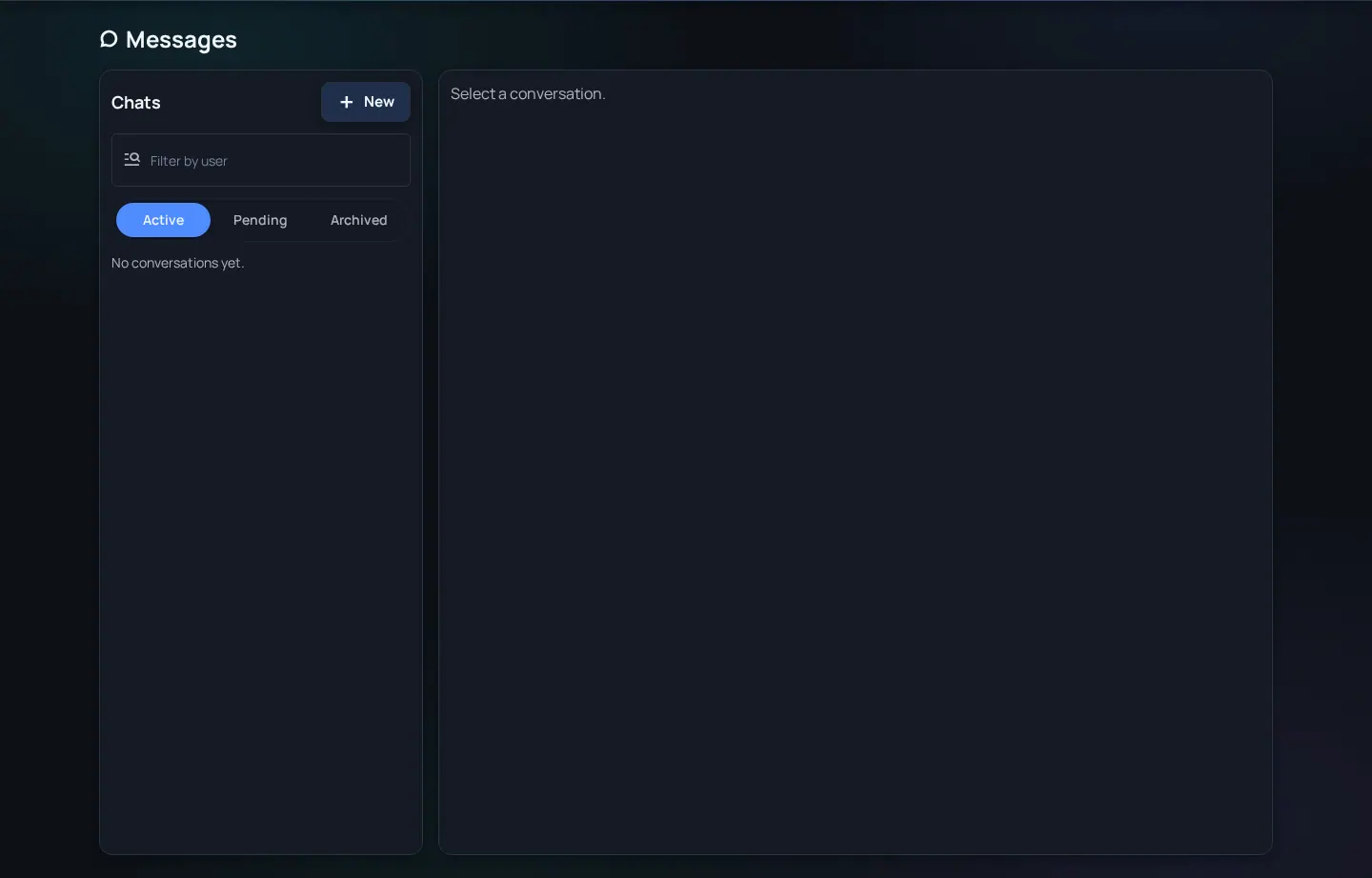
Arc en Ciel has a few different places to talk. Comments and reactions belong to public content. Messages are for private or group conversations. Notifications are reminders about things you may want to check, like mentions, follows, replies, reports, or account events.
| Surface | Best for | Not for |
|---|---|---|
| Comments | Public feedback, usage notes, and discussion about the item. | Private data, keys, harassment, or illegal-content reports. |
| Messages | Private coordination and direct conversation. | Platform safety reports or public release notes. |
| Notifications | Activity you may want to check. | A permanent archive of every detail. |
| Follows | Keeping up with creators and users. | A guarantee that every update appears everywhere. |
Choose the right channel
- Use comments for item-specific public discussion.
- Use messages for private coordination when both sides expect privacy.
- Use reports for rule, legal, safety, rights, or rating problems.
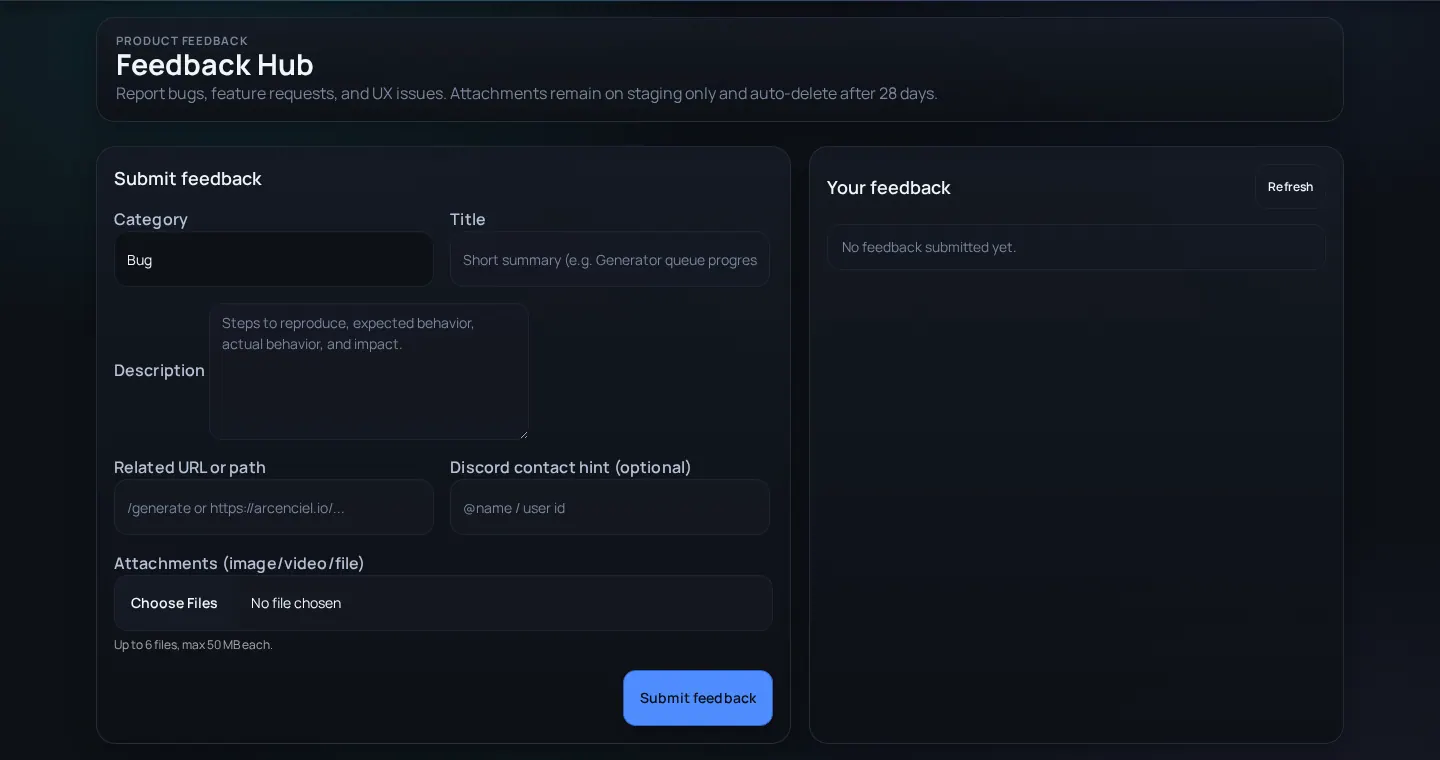
- Use feedback for product issues that are not about illegal or unsafe content.
- Review notifications regularly if you publish content or collaborate with others.
Healthy community workflow
- Keep item comments about the item - Usage notes, questions, and visible issues help later readers.
- Move private coordination to messages - Do not negotiate private details in a public comment thread.
- Use reports for safety or rights issues - A public argument is slower and less reliable than a tracked report workflow.
- Follow intentionally - Following a creator is useful when you want updates, not as a moderation signal.
Notification and conversation problems
Expected notification did not appear
Likely cause: The event may not generate notifications, preferences may suppress it, or the actor/content may no longer be visible.
Fix: Check notification settings, open the relevant page directly, and avoid relying on notifications as a permanent archive.
Comment thread turns into a safety dispute
Likely cause: The conversation is using the wrong workflow for a reportable issue.
Fix: Submit a report with the exact URL and keep public comments factual.
Message contains a key or private link
Likely cause: Troubleshooting moved too quickly and exposed credential material.
Fix: Delete or redact where possible, rotate the credential, and continue with sanitized screenshots.