Arc en Ciel help
Profile, badges, namecards, and settings
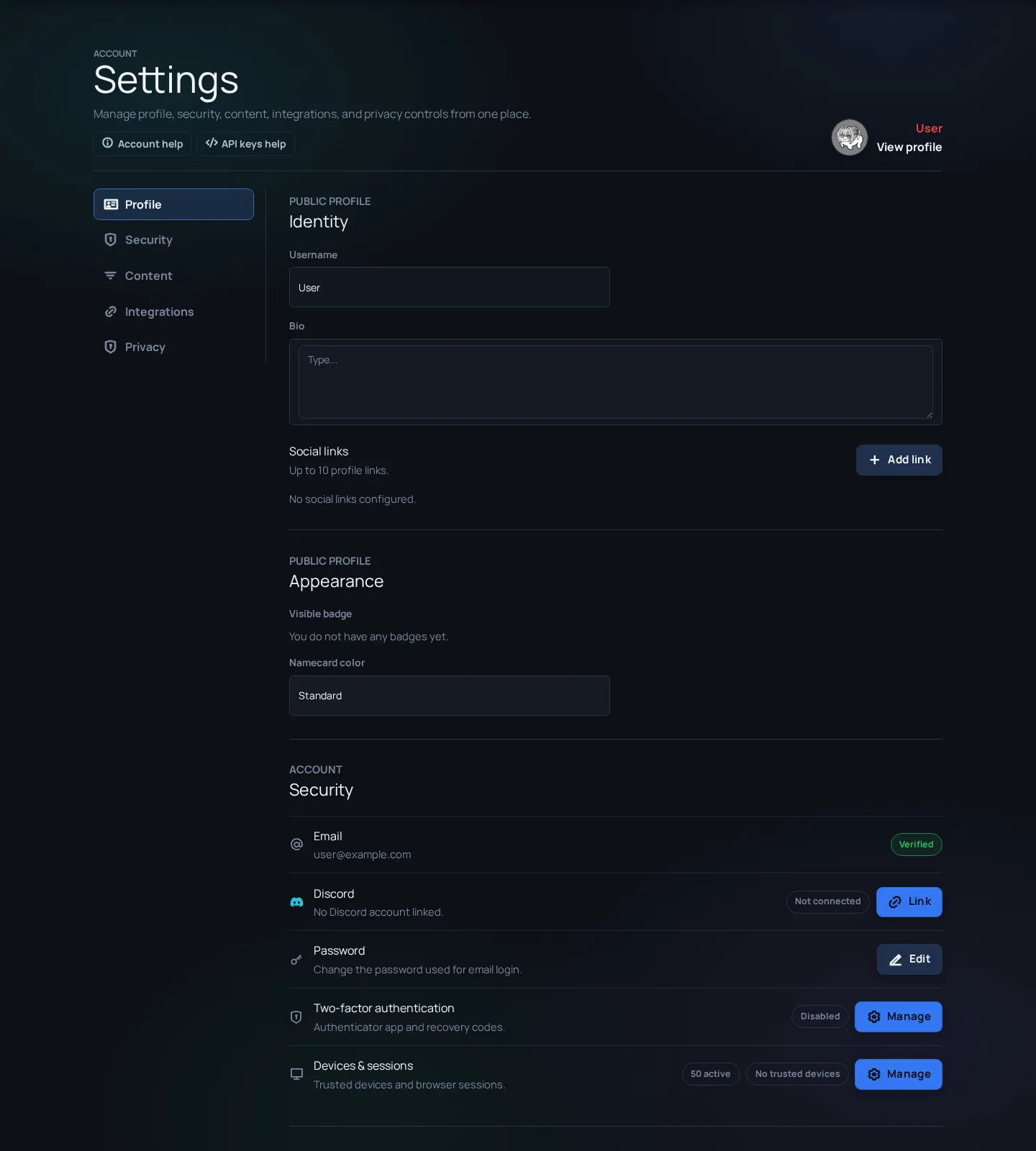
Customize visible identity, security, rating preferences, integrations, and privacy choices from Settings.
Before you start
- A signed-in account.
Settings map
Settings is the control room for your account. It covers public identity, security, rating preferences, integrations, API keys, privacy choices, and creator-only options when your role allows them. If a setting is missing, it may be role-gated or disabled by current platform state.
Identity pieces
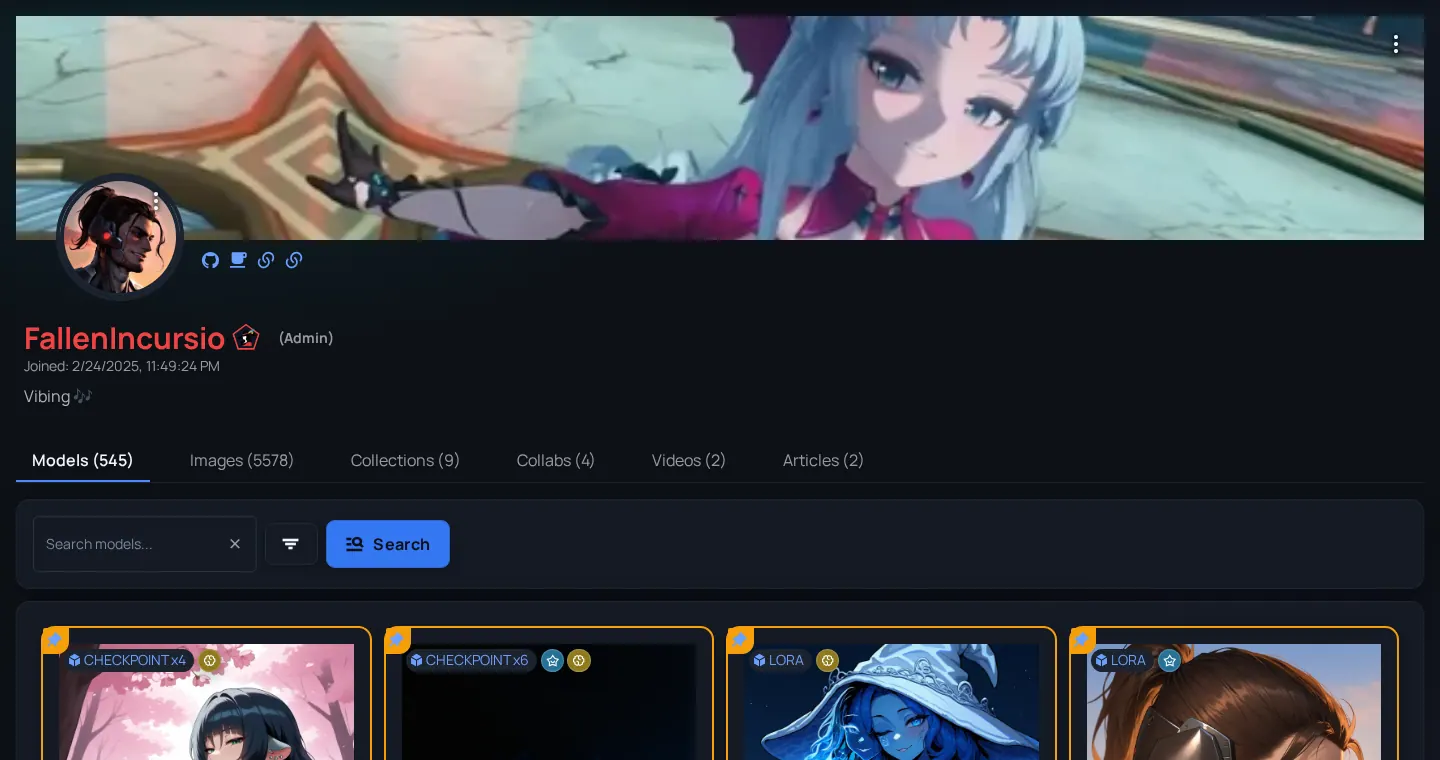
- Profile
- Public-facing account page and visible creator identity.
- Badge
- A visible marker earned from role, support, or platform state.
- Namecard
- The style treatment shown near your name where supported.
- Social links
- Public links you choose to attach to your profile.
Update account settings
- Open Settings after signing in.
- Update profile fields and social links that you are comfortable showing publicly.
- Review badge and namecard options. Some options only appear when your role or earned badges allow them.
- Review rating/adult-content preferences so browse pages match what you want to see.
- Open Security for password, sessions, devices, or two-factor controls.
- Open Integrations/API sections only when you need external tools or automation.
Profile hygiene
- Separate public and private identity - Do not put private email, tokens, or local machine paths in public profile fields.
- Keep links current - Broken social links lower trust for creator pages.
- Review adult-content preferences after role changes - Staff or creator roles can expose more controls, but your viewing preference still matters.