Arc en Ciel help
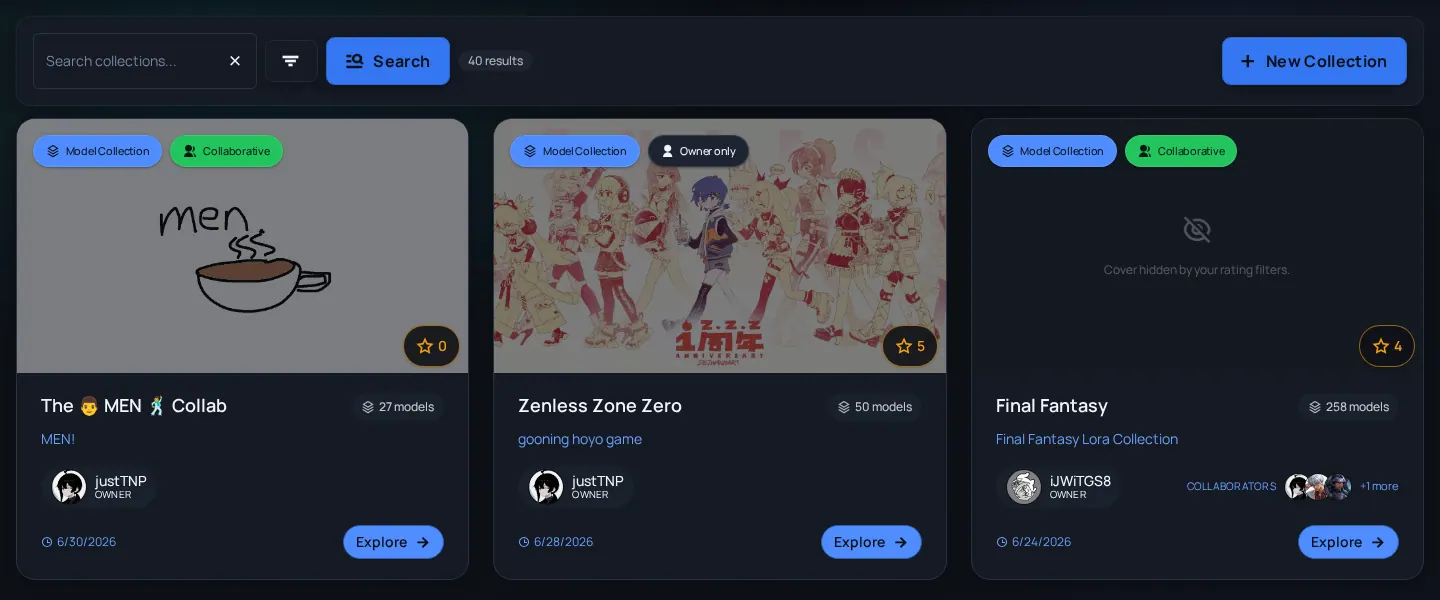
Collabs: join themed community releases
Understand collab pages, participation, submissions, reminders, and how Discord can fit into a public event.
Quick answer
- Use Collabs when you want a themed release or event, not just a personal collection.
- Read the collab description, timing, submission expectations, and linked resources before joining.
- Discord can help coordinate reminders and uploads, but public collab pages should stay understandable on their own.
What collabs are
A collab is a public community context around a theme, release window, or creator group. It can point people to participants, submissions, linked resources, and showcase material. Treat it like an event page: read the rules before posting.
| Need | Use | Why |
|---|---|---|
| A stable reference list | Collection | Collections are simple grouped sets. |
| A themed event with participants | Collab | Collabs can carry event context and submissions. |
| A private draft list | Collection or personal notes | Collabs are public-facing once active. |
| Discord-driven participation | Collab plus Discord bot | Discord can coordinate actions while Arc holds public context. |
Before you join or submit
- Open the collab page and read the theme, timing, and expected contribution type.
- Check whether the collab asks for models, images, articles, or another type of submission.
- Confirm your account has the role needed to publish the contribution.
- Use Discord only for coordination the collab owner asks for; keep public release details on Arc where possible.
- After submitting, watch notifications or Discord reminders if the event uses them.
Good collab submissions
- Match the theme - A technically good upload can still be a bad fit for the event.
- Include useful metadata - Title, rating, tags, model/version notes, and preview images help reviewers and viewers.
- Respect timing - Some collabs preserve release windows or reminder schedules.
- Keep private coordination private - Do not paste private Discord context into public descriptions.
Collab issues
I cannot join or submit
Likely cause: The collab may be closed, role-gated, outside its submission window, or using a specific Discord workflow.
Fix: Read the collab description and check your role before asking staff.
My submission is not visible
Likely cause: It may be pending review, hidden by rating filters, linked to the wrong item, or outside the event rules.
Fix: Open the exact submission URL and check rating/visibility before reporting.
Discord reminder/action looks stale
Likely cause: Event pages and Discord messages can drift if an event changes.
Fix: Trust the current Arc collab page first, then ask in the event channel if the mismatch matters.