Arc en Ciel help
Troubleshoot Arc en Ciel Link
Fix disconnected Link, rejected Link Keys, missing local bases, stale sidecars, and mismatched files.
Before you start
- A configured local Link integration.
- Access to local extension logs and Arc en Ciel settings.
Quick answer
- Start with the simple checks: are you signed in, is the Link Key still active, and is the local tool using the right backend URL?
- If local models are missing, check folder paths and sidecars before creating a new Link Key.
- After changing keys, paths, or extension settings, restart the local tool and rescan.
Debug in this order
Most Link issues come from a small set of places: login, network, Link Key, local path, or stale sidecar. Check them in that order so you do not rotate keys when the real problem is a renamed folder.
During a Link service update, an up-to-date worker may briefly reconnect while its download continues. Wait for the device to return before retrying; rotating its key interrupts that device. An already-present result means the matching model was found on the device. A metadata warning keeps the successful model download and can be handled with Repair missing sidecars.
Diagnostic steps
- Confirm you can sign in to Arc en Ciel in the browser.
- Open settings and verify the Link Key still exists and has the required scope.
- Check local extension logs for HTTP status codes or connection errors.
- Confirm local model directories and sidecar paths exist on disk.
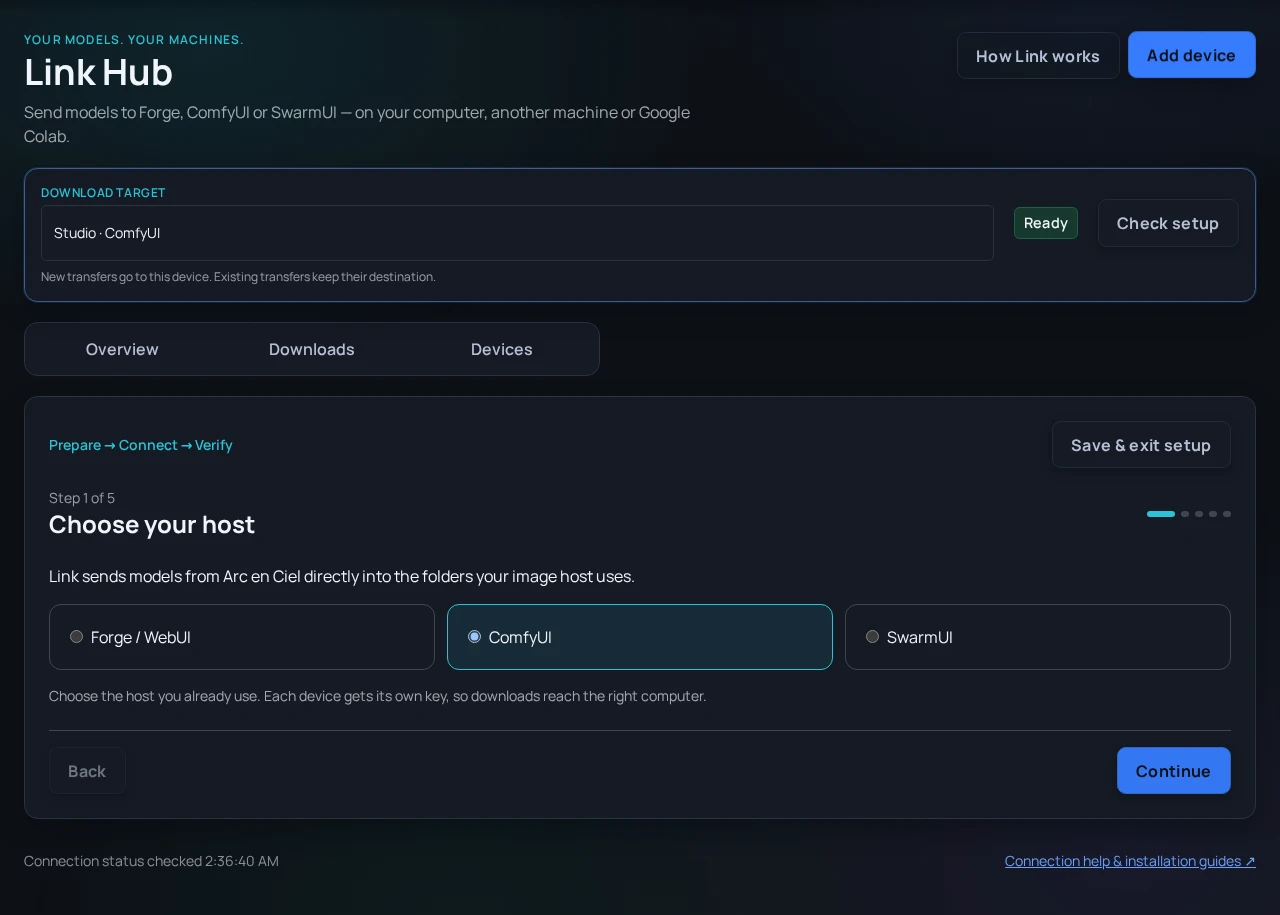
- Select the affected device in Link Hub, open Devices → Details → Model folders & device tools and run Scan model library. Its inventory and download subfolders are separate from your other devices.
- With extension 2.4.0 or newer, Repair missing sidecars also works on remote computers and Google Colab. It keeps model files and existing metadata. Warnings identify incomplete metadata; the model download remains completed.
- Restart the local tool after changing Link Keys, paths, or extension configuration.
Review and cancel a queue
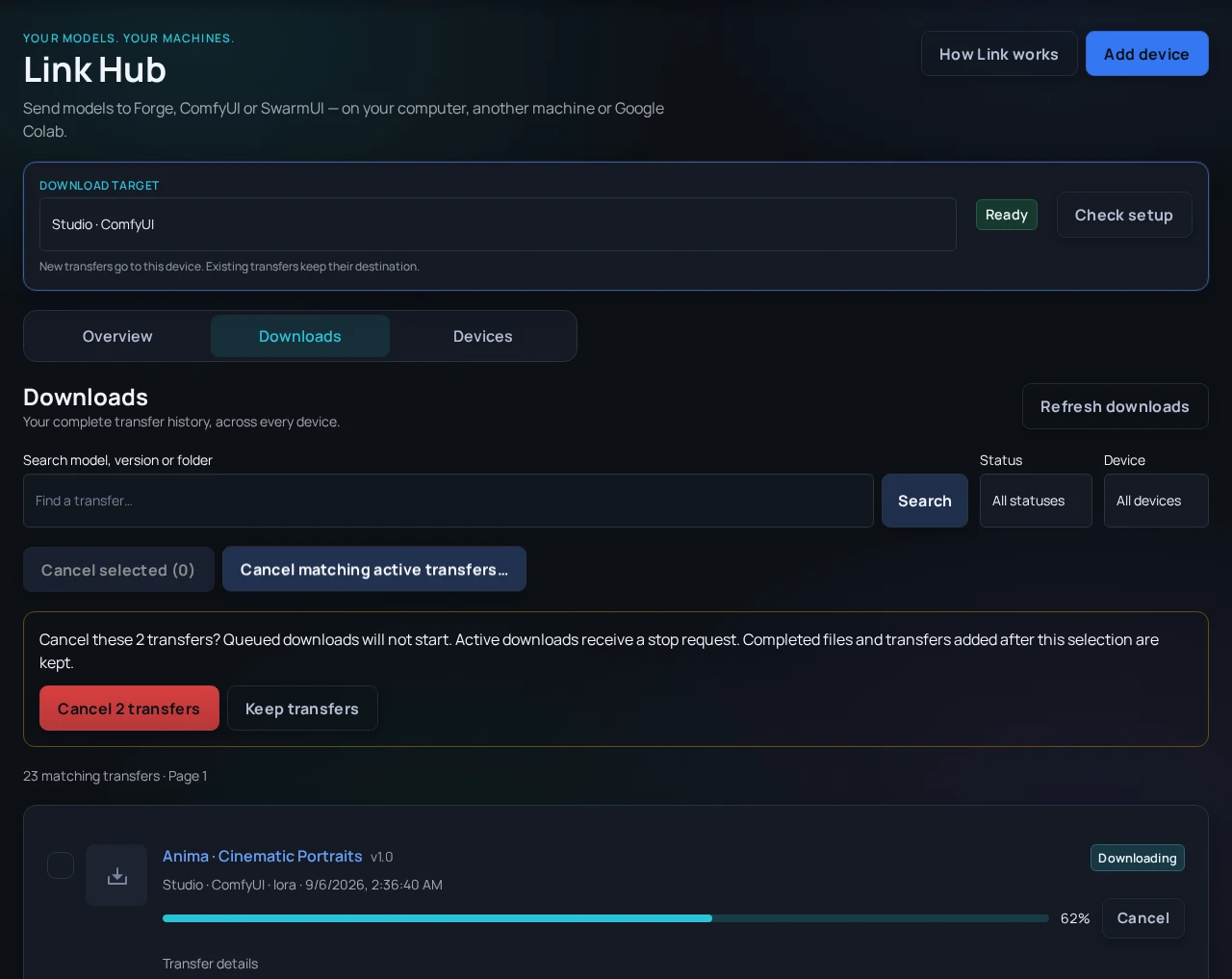
In Link Hub → Downloads, filter by device, status or model name. Select individual active transfers or choose Cancel matching active transfers to prepare up to 500 matching entries across pages. Review the exact count, then confirm. Completed files and downloads added after the selection are kept. The result reports cancelled entries, already-ended entries and active stops that could not be confirmed.
No assigned device means the queued transfers cannot reach a key-based worker. Cancel unwanted entries, choose a download target in the header, then resend the models. A Queue blocked warning identifies older unfenced transfers with no progress for over 24 hours. Check that the host is no longer downloading those files before cancelling them. New clients use expiring transfer attempts so interrupted jobs can recover automatically.
Common Link failures
Disconnected
Likely cause: Network issue, wrong backend URL, expired Link Key, or local tool not restarted.
Fix: Check URL and Link Key, restart the tool, then inspect logs for the first failing request.
403 or unauthorized
Likely cause: Link Key lacks the needed access or belongs to a different account.
Fix: Create a dedicated Link Key from the correct account.
Local base not found
Likely cause: Base model folder is missing, renamed, or not scanned.
Fix: Fix local path and trigger inventory refresh.
Sidecar mismatch
Likely cause: File moved or changed after metadata was written.
Fix: Regenerate sidecar metadata and verify hash.
Download appears twice
Likely cause: Duplicate local files or stale metadata references.
Fix: Deduplicate files and refresh local inventory.
Should I paste a Link Key into Discord for help?
No. Share screenshots with keys hidden, then rotate the Link Key if you think it may have been exposed.
Does Link upload my local models automatically?
No. Link is meant to connect metadata and local tooling. Publishing or uploading remains an explicit action.
Why does a model work locally but not appear in Link?
The local tool may know the file path while Link needs hash, sidecar, or inventory metadata to match it to Arc en Ciel.