Arc en Ciel help
Generator history, downloads, and publishing
Recover previous runs, compare outputs, download files, and publish generated media responsibly.
Before you start
- At least one completed Generator job.
- Posting role if you want to publish outputs publicly.
Why history matters
History is the audit trail for your experiments. It lets you recover outputs, inspect settings, compare variations, reuse prompts, and decide which result deserves download or publishing. It is also the safest place to verify metadata before sharing a generated image publicly.

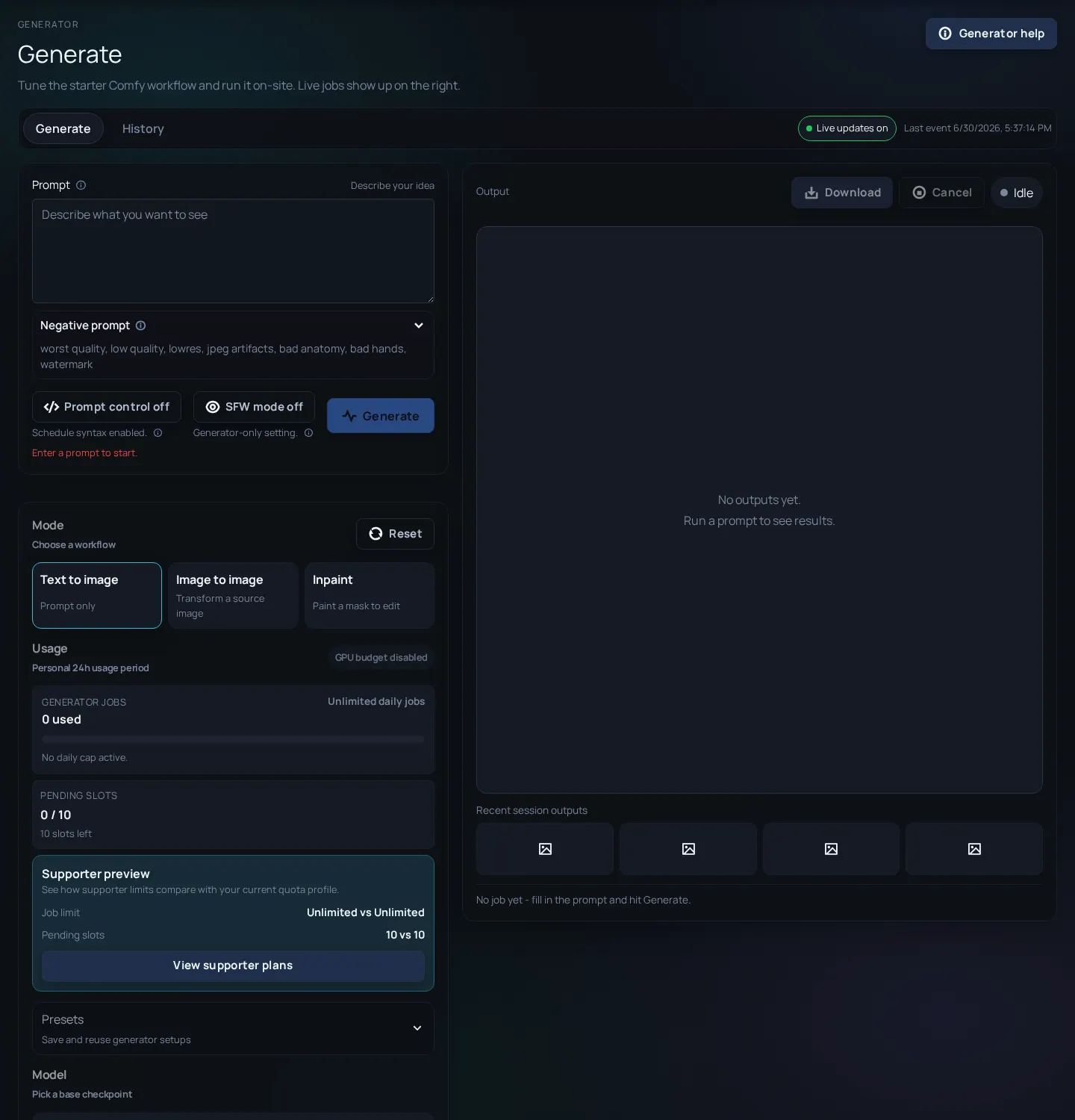
Download or publish responsibly
- Open the completed job from history or output panel.
- Inspect the image at full size before deciding it is usable.
- Check prompt, model, seed, and advanced settings if you need reproducibility.
- Download the output when you need a local copy or external editing.
- Publish only after choosing the correct rating, title, description, and related model references.
- If an output is private, experimental, or contains sensitive material, keep it local or delete it according to available controls.
Publish-readiness check
- Visible content rating is correct - Do not rely on prompt intent; rate what the image shows.
- Description explains context - Mention model/workflow and whether the image is a test, final render, or comparison.
- No private data is visible - Crop or discard outputs that include private screenshots, names, keys, or accidental personal data.
- You have posting rights - Without Artist or Creator access, publishing controls may not appear.
History and publishing issues
History looks empty
Likely cause: Wrong account, failed jobs, or filters/state not loaded.
Fix: Refresh once, confirm login, and check whether the job completed.
Download works but publish does not
Likely cause: Publishing requires role and metadata checks beyond file access.
Fix: Check posting rights and required rating/description fields.
Output metadata seems wrong
Likely cause: You may be looking at a similar older run.
Fix: Use timestamp and job details before reusing or publishing settings.