Arc en Ciel help
Rich content, comments, and crossposting
Use articles, previews, comments, and crossposts to explain releases without turning every page into an essay.
Quick answer
- Use headings, short lists, and screenshots when a release needs setup notes, known issues, or examples.
- Keep comments for public follow-up. Move private, safety, or legal issues to messages, support, or report flows.
- Crosspost after the main Arc page is correct, because the main page is what you can keep fresh later.
What the rich editor is good for
The rich editor is for things that need a little structure: setup notes, changelogs, known issues, release context, examples, and related links. It should make the page easier to scan, not turn every item into a long essay.
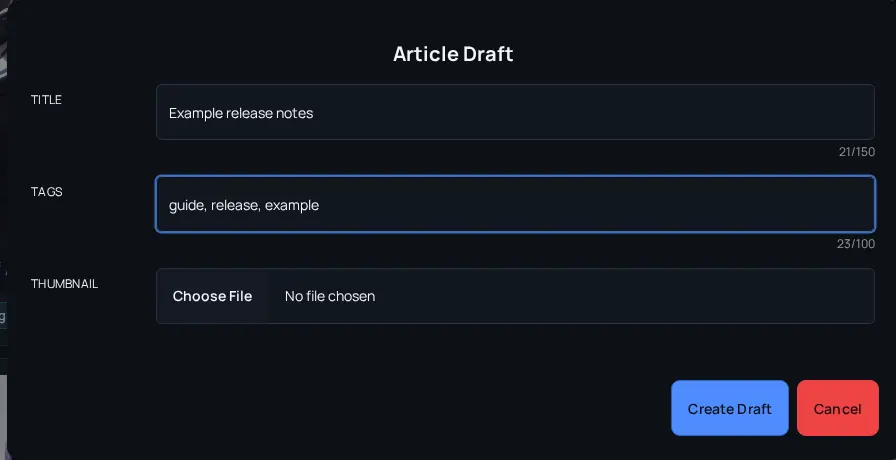
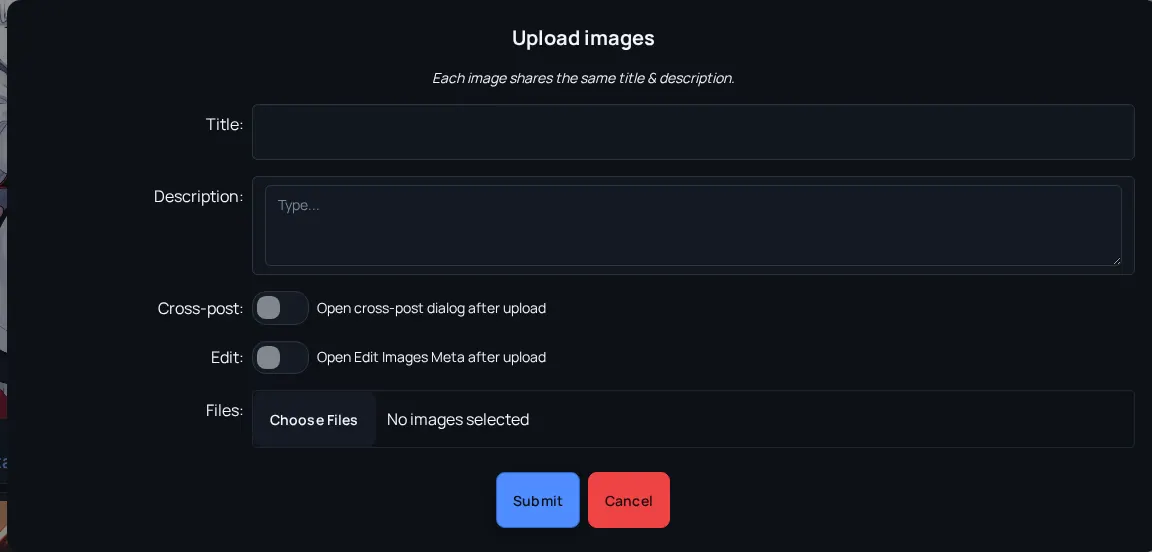
Useful presentation tools
- Headings
- Separate setup, usage, examples, and troubleshooting.
- Lists
- Turn requirements or changes into readable bullets.
- Links
- Connect source resources, related models, policies, or external references.
- Comments
- Handle public discussion after release, not private support details.
- Crossposting
- Share or connect content elsewhere while keeping the main Arc page accurate.
Prepare the page for readers
- Write the shortest explanation that prevents misuse.
- Use headings before adding more paragraphs.
- Preview the page at desktop and mobile width if the content includes tables, long links, or many images.
- Use comments for public follow-up and feedback, but move private or safety issues to support/report workflows.
- Crosspost only after the main page has the right title, description, rating, and links.
Release presentation checklist
- First paragraph explains the purpose - A reader should know whether the item is a release, guide, experiment, or update.
- Known limitations are visible - This saves repeated comments and support messages.
- Links are stable - Prefer canonical Arc en Ciel pages or official external URLs.
- Screenshots or previews do not expose private data - Crop or retake images that reveal tokens, email addresses, private messages, or local paths.