Arc en Ciel help
Generator advanced tools
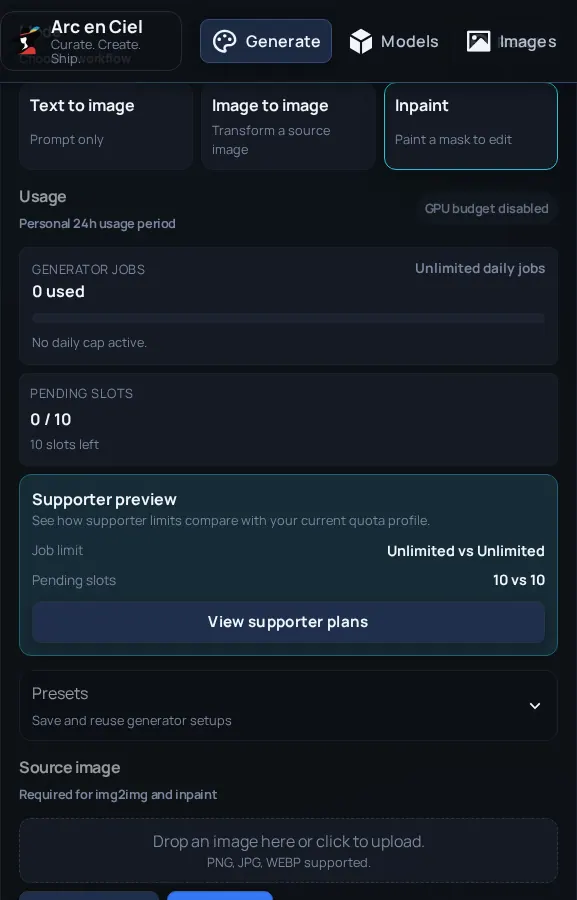
Use model picker, LoRAs, ControlNet, inpaint, regional prompts, and compare tools without losing track of what changed.
Before you start
- Comfort with basic Generator jobs.
- At least one saved or recent output when comparing settings.
Quick answer
- Change one advanced setting at a time: model, LoRA, ControlNet, inpaint, or regional prompts.
- Keep a baseline image in history so you can tell whether the new setting actually helped.
- If results get worse, remove the newest advanced control first instead of rewriting the whole prompt.
MOSS and Regional Boxes
Choose Moss Base or Moss SFT for native MOSS generation. The model profile starts at 28 steps, CFG 4, Euler, the MOSS scheduler and shift 5. In Simple mode the quality choices use 24, 28 and 30 steps.
- Write the whole scene in the main prompt, then add Regional Boxes for characters, objects or exact text.
- Use Add box, Draw box, Two characters or Poster. Describe each box; a Text box also needs the exact visible text, including line breaks.
- Drag boxes or edit Top, Left, Bottom and Right. Arrow keys move a focused box; Shift moves faster. Coordinates use 0–1000 and follow resolution changes.
- Save a recipe to reuse the layout, or load it from History. Clear boxes returns to ordinary scene-prompt generation.
MOSS currently supports text-to-image with its automatic encoder and VAE. The older mask-based regional prompts, image editing, face refinement and upscaling controls are not available for this model profile. Regional access restrictions still apply.
Advanced controls change the experiment
Advanced controls are useful because they push the model in a specific direction. They can also make results confusing fast. Start simple, add one thing, compare it with the last run, then decide whether to keep it.
| Tool | Use for | Common risk |
|---|---|---|
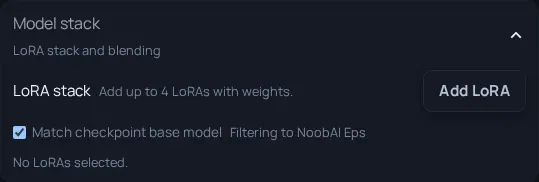
| Model picker | Choosing checkpoint/workflow compatibility. | Wrong base model for the LoRA or prompt. |
| LoRA | Adding a trained concept, style, character, or detail. | Too much weight or missing trigger words. |
| ControlNet | Preserving pose, edges, depth, or structure from input. | Over-constraining composition. |
| Inpaint | Fixing one area without regenerating the whole image. | Mask too broad or denoise too high. |
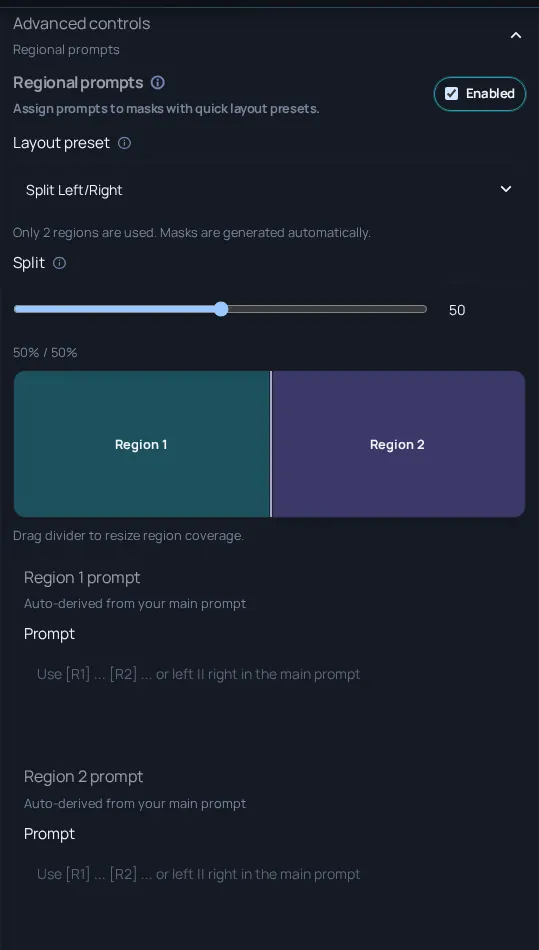
| Regional prompts | Different prompt guidance in different image regions. | Prompt conflicts and hard seams. |
| Compare/history | Reviewing multiple outputs and settings. | Changing too many things at once. |
Compare changes safely
- Create a baseline job with no advanced add-ons.
- Add one advanced feature and keep the seed or major settings stable if you want a fair comparison.
- Use history to compare outputs and metadata instead of relying on memory.
- Reduce strength or weight before stacking multiple controls.
- When a result breaks, remove the most recent advanced feature first.