Arc en Ciel help
Can't log in or verify your account
Fix the common account blockers: password reset, email verification, device checks, 2FA, and stale sessions.
Quick answer
- Use password reset for forgotten passwords, not Discord or support comments.
- Finish email or device verification before retrying comments, settings, downloads, API keys, or creator tools.
- If 2FA blocks you, keep the recovery path private and do not paste codes or verification links in chat.
Start with the account state
Most account problems are one of four things: the browser has no valid session, the account still needs verification, a security challenge is waiting, or the action needs a role you do not have yet. Check the visible prompt first, then retry the original action.
| Prompt or symptom | Likely meaning | Try this first |
|---|---|---|
| Login page appears after opening a protected page | Your session is missing or expired. | Log in again, then return to the original URL. |
| Email verification required | The account is known, but sensitive actions are paused. | Open the verification email and finish the prompt before retrying. |
| Login verification or unfamiliar-device prompt | The browser/device needs a security confirmation. | Complete the challenge from the same account owner, not from a shared chat. |
| Two-factor code required | 2FA is enabled for the account. | Use the authenticator/recovery flow. Never send the code to another person. |
Clean retry path
- Copy the URL you were trying to use.
- Log out and log back in if the page looks stuck between signed-in and signed-out state.
- Complete any verification prompt shown after login.
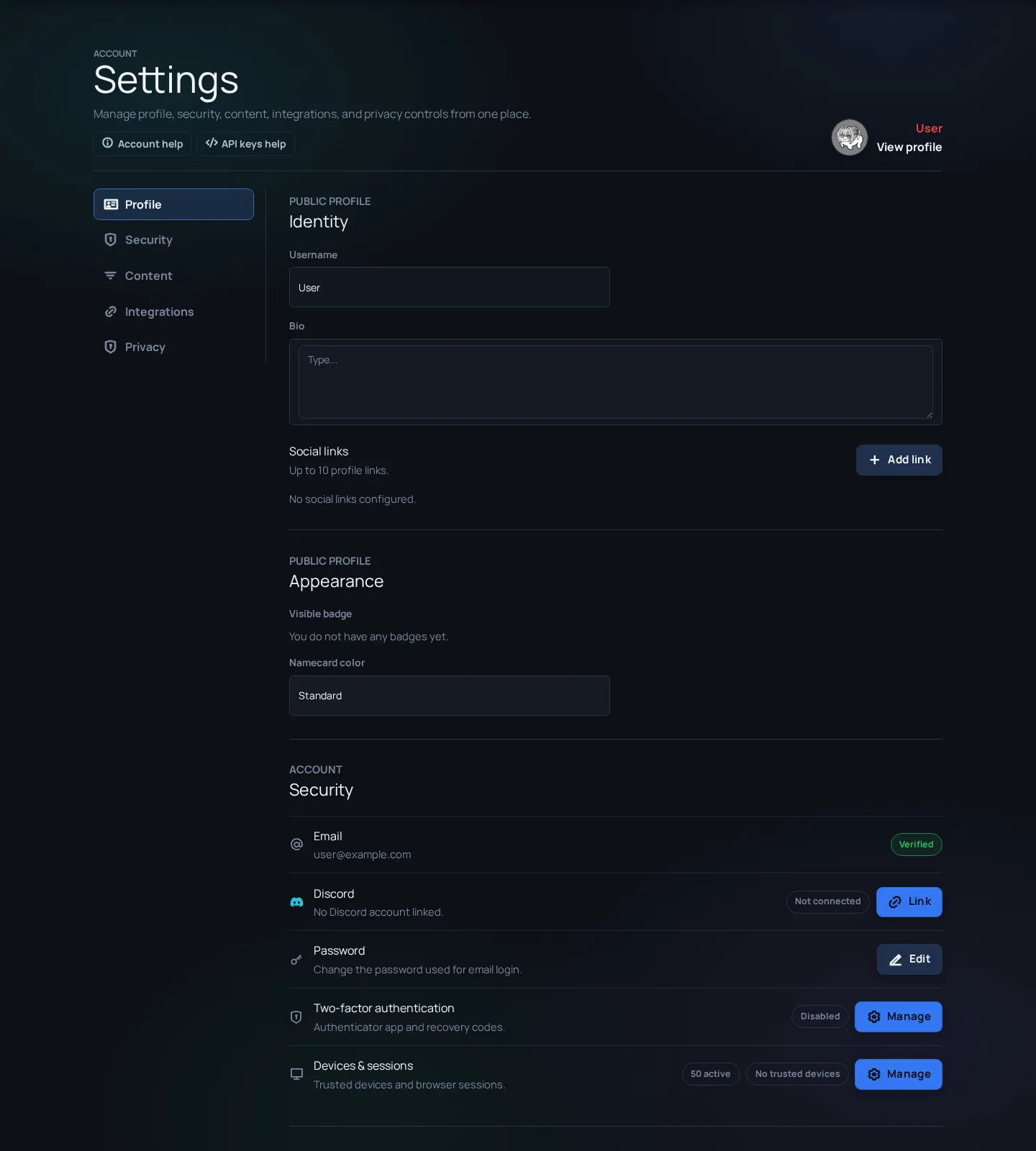
- Open Settings and confirm the account, email, security, and integration state look right.
- Return to the original URL and try the action once.
- If it still fails, send Support or Feedback the exact URL, visible error text, browser, and approximate time.
Common account blockers
Password reset email does not arrive
Likely cause: Wrong email, delayed mailbox, spam filtering, or account was created with a different identity.
Fix: Check spam, wait a few minutes, then retry with the exact email/username you normally use.
Verification keeps asking again
Likely cause: The confirmation opened in a different browser/session, or the old page was not refreshed.
Fix: Finish verification, close the old tab, then open Arc en Ciel again from a fresh tab.
2FA code is rejected
Likely cause: Wrong account, clock drift, copied spaces, or stale code.
Fix: Use the newest code, check device time, and keep recovery details private.
Logged in but upload/API/settings controls are still missing
Likely cause: The account is valid, but the action may need a role, verification, ownership, or enabled feature.
Fix: Open the missing-buttons article and check the role/feature path before filing a bug.