Arc en Ciel help
Generator troubleshooting
Fix common Generator problems: disabled controls, queued jobs, failed runs, quota confusion, and broken advanced inputs.
Before you start
- A signed-in account with Generator access.
- The exact prompt/job time or history item if you are reporting a failed run.
Quick answer
- If controls are disabled, check account access, current Generator state, and whether the page finished loading.
- If a job is queued, wait and watch history before submitting duplicates.
- If a run fails, simplify the prompt/settings first: remove advanced tools, lower size/cost, then add controls back one by one.
First checks
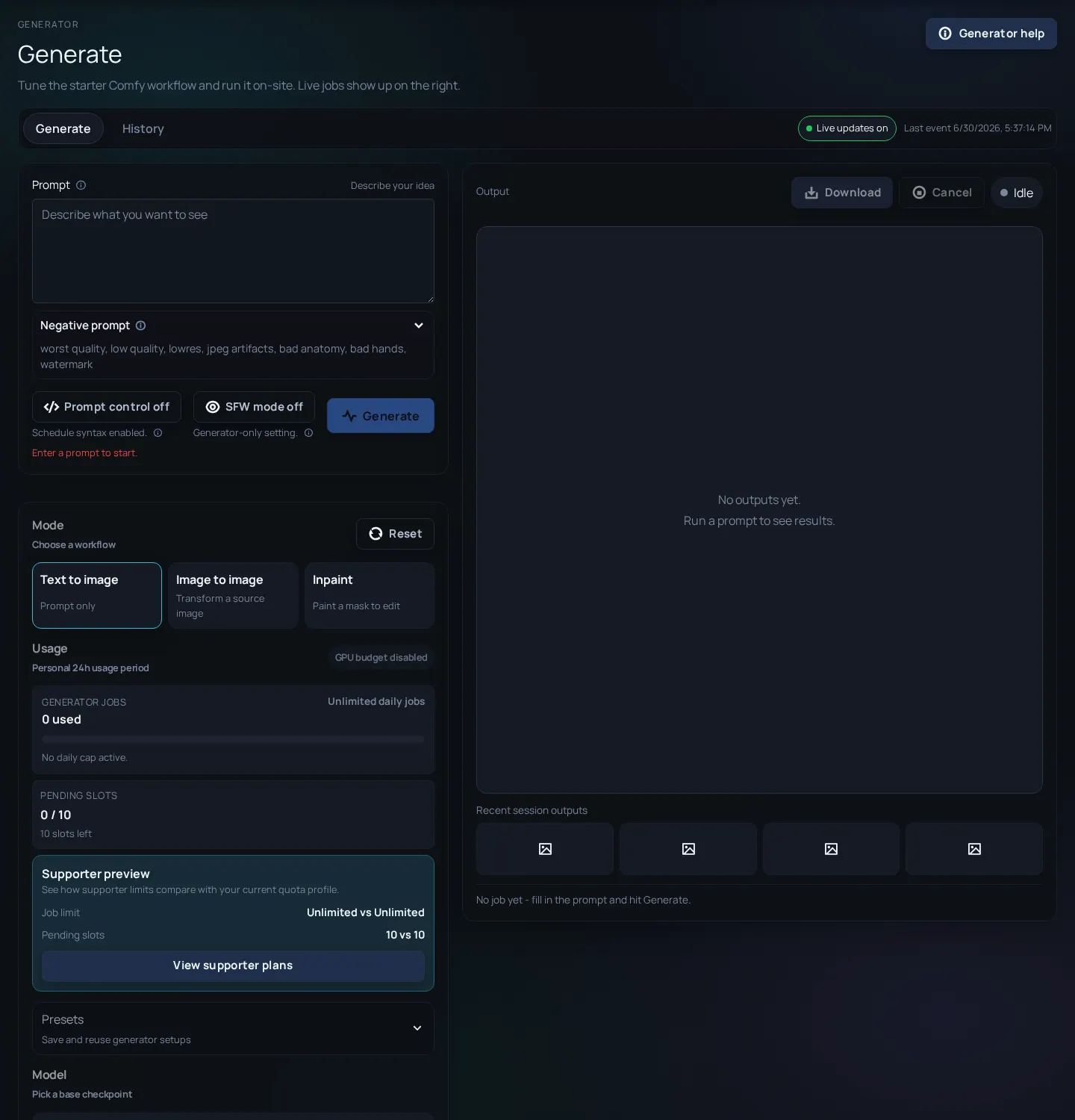
Generator problems are easier to debug when you separate access, queue, settings, and output quality. Do not change everything at once. Keep the failed job or screenshot open, then work from the simplest explanation outward.

| What you see | Usually means | Try this |
|---|---|---|
| Generate button disabled | Access, policy, missing input, read-only state, or page state is not ready. | Wait for controls, check account access, then refresh once. |
| Job stays queued | Workers are busy, concurrency is limited, or the job is waiting its turn. | Do not spam duplicate jobs; check Status if the queue looks platform-wide. |
| Job fails quickly | Invalid combination, missing required input, too-large settings, or worker-side validation. | Run a small simple txt2img baseline, then re-add settings gradually. |
| Output looks wrong | Prompt/model mismatch, missing trigger, LoRA weight too high, or advanced control conflict. | Change one variable at a time and compare with history. |
Safe debug path
- Save or note the failed job time, mode, model, dimensions, and any visible error text.
- Run a tiny baseline job with the same model and no advanced add-ons.
- If the baseline works, add one advanced setting back: LoRA, ControlNet, inpaint, or regional prompts.
- If the baseline fails, lower size/cost and check whether Generator status or account access changed.
- Use history to compare settings before spending more quota on guesses.
- Report the exact route, job time, visible error, and whether a simple baseline also fails.
Generator fixes
Queued for a long time
Likely cause: Busy workers, maintenance, large jobs, or queue limits.
Fix: Wait, avoid duplicate submissions, then check Status/Changelog if many users see the same thing.
Quota changed but output failed
Likely cause: The platform may reserve, spend, or reconcile quota depending on where the job failed.
Fix: Check history and visible error. Report repeated mismatches with job time and account context.
Inpaint ignores the masked area
Likely cause: Mask too small/large, denoise too low/high, or the source image did not load as expected.
Fix: Use a clear mask, try a moderate denoise setting, and verify the uploaded source image.
ControlNet overpowers the prompt
Likely cause: The control image or strength may be too strong for the desired change.
Fix: Lower strength, simplify the prompt, or use a cleaner input image.
LoRA makes everything worse
Likely cause: Wrong base model, missing trigger word, too much weight, or incompatible stack.
Fix: Check base-model match, add the trigger word, and test weight around a lower value first.
What to include in a useful bug report
- Exact time and route - Generator issues are much easier to trace with a timestamp.
- Mode and model - txt2img, img2img, inpaint, and model choice matter.
- Visible error text - Copy the short message; do not paste private tokens or account data.
- Whether a simple baseline works - This separates platform problems from advanced setting conflicts.